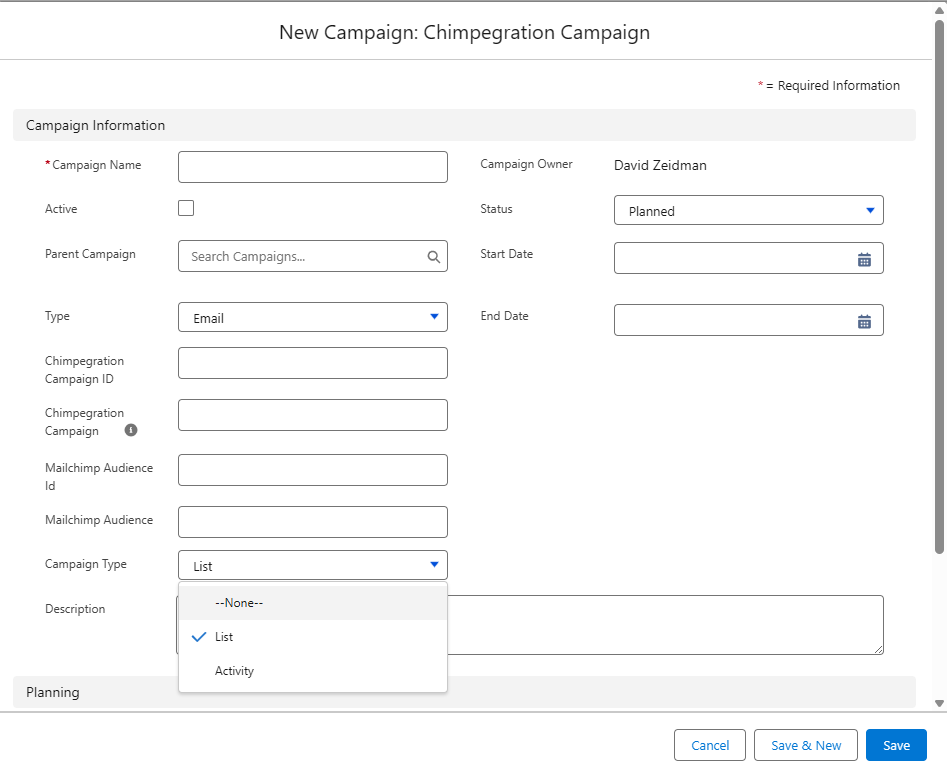
The term ‘Campaign’ has several usages in Chimpegration for Salesforce, so it is important you understand the terminology and what it relates to. Both Mailchimp and Salesforce use the term ‘Campaign’ and although they are very similar in nature, there are differences that Chimpegration for Salesforce highlights.
Mailchimp Campaign/ MC Campaign
The term ‘Campaign’ in Mailchimp is used to describe when an email is sent out from Mailchimp. For the purposes of Chimpegration for Salesforce and this User Guides, the term ‘Campaign’ when used in conjunction with Mailchimp shall be referred to as ‘Mailchimp Campaign’ or ‘MC Campaign’
Salesforce Campaign/ SF Campaign
The term ‘Campaign’ in Salesforce describes a piece of functionality designed to capture sales and marketing activities. The ‘campaign’ functionality is deliberately open so that users can use it for a number of purposes. For Chimpegration for Salesforce, we have created a template ‘campaign’ with specific fields and objects that allow for a suitable integration with Mailchimp. This template ‘campaign’ shall be referred to as a ‘Chimpegration Campaign’ or a ‘Salesforce Campaign’ for this User Guide.
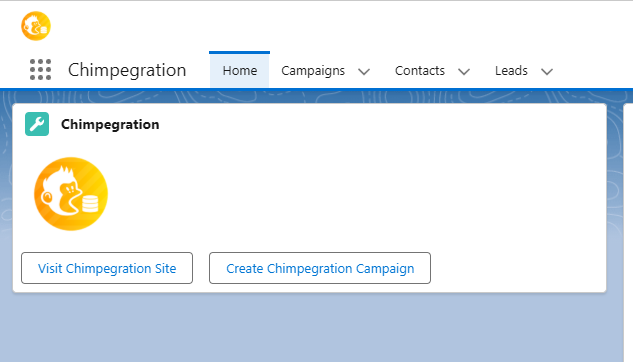
Within the Chimpegration Salesforce app, users can create a ‘Chimpegration Campaign’ to be used in conjunction with a MC Campaign. When choosing to create a Chimpegration Campaign from within a Chimpegration process, the correct type of campaign within Salesforce will be used.
Two Approaches to Chimpegration/Salesforce Campaigns
Given the open nature of Salesforce Campaigns, there are two ways in which users might wish to use them in relation to Mailchimp.
- An Activity Campaign: The most obvious approach is a like-for-like parity of the MC Campaign, where all of the Mailchimp activity within a specific campaign is represented in Salesforce. So, the name of the Mailchimp Campaign, the date it was sent and who it was sent to, as well as who opened, clicked, unsubscribed, hard bounced and marked as spam.
- A List Campaign: The second approach is to use a Chimpegration Campaign as a container/grouping tool to gather a List of Salesforce Contacts and Leads into a singular place. This ‘List’ Campaign could be used to represent a specific segment for a generic purpose, such as those who should get monthly email Newsletters. You would use this List Campaign to tell Chimpegration what records need to be added or updated to Mailchimp. Once those records have been sent a MC Campaign, you would have Chimpegration update the List Campaign to manage unsubscribes and hard bounces, whilst also running a second Chimpegration process which creates a new ‘Activity’ Campaign to record the Mailchimp activity of who was sent, opened and clicked the MC Campaign email