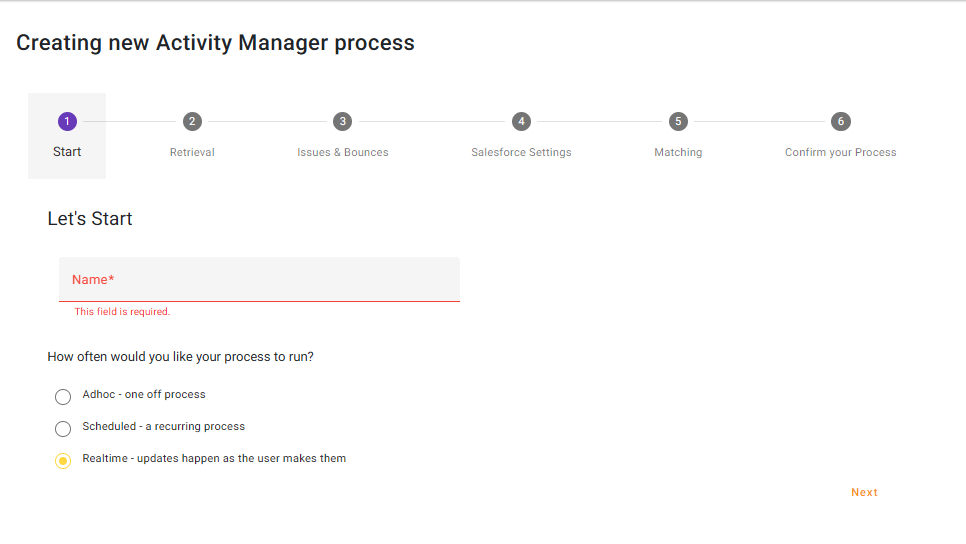
Start
Give your process a name and choose ‘Realtime – updates happen as the user makes them’
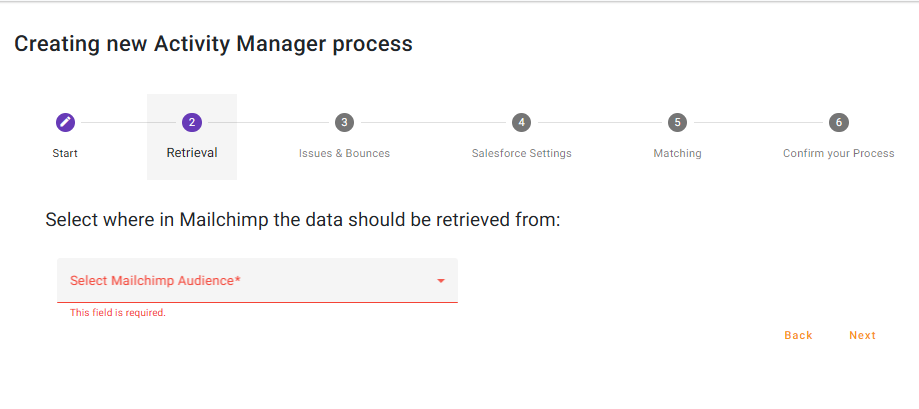
Retrieval
Select the Mailchimp Audience from the dropdown. Mailchimp only provide ‘Audience’ level data, when providing data in Realtime. This means any ‘Campaign’ based information is not available when using a Realtime process
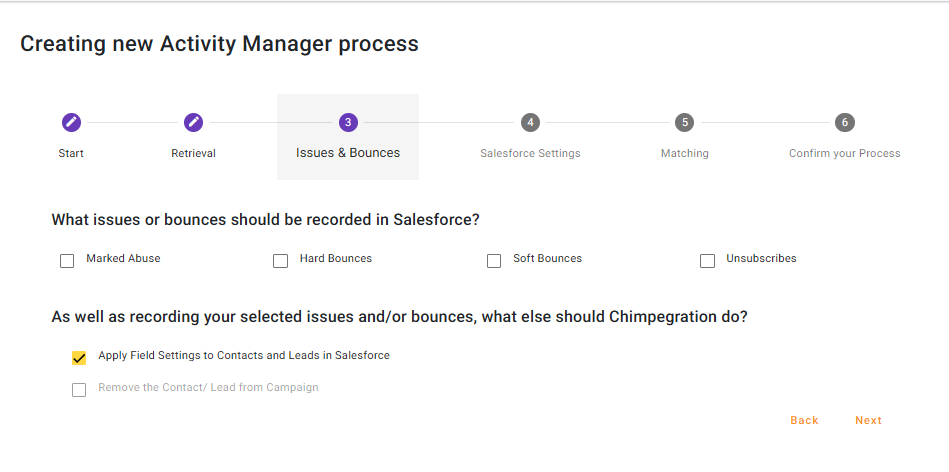
Issues and Bounces
Select which issues or bounces should be retrieved and apply as an activity to a Salesforce Campaign. If you have populated the Contact and Lead Fields Setting, the Activity Manager process will apply the appropriate Picklist value to the Contact/Lead record by default. If you do not want to apply the Issue or Bounce to a Contact/Lead record, please uncheck ‘Apply Field Settings to Contact and leads in Salesforce’.
You can also opt to be remove the Contact Lead from the Salesforce campaign.
Note: Since Mailchimp can only provide ‘Audience’ level data when providing data in Realtime, Opens and Clicks are not available in this process type.
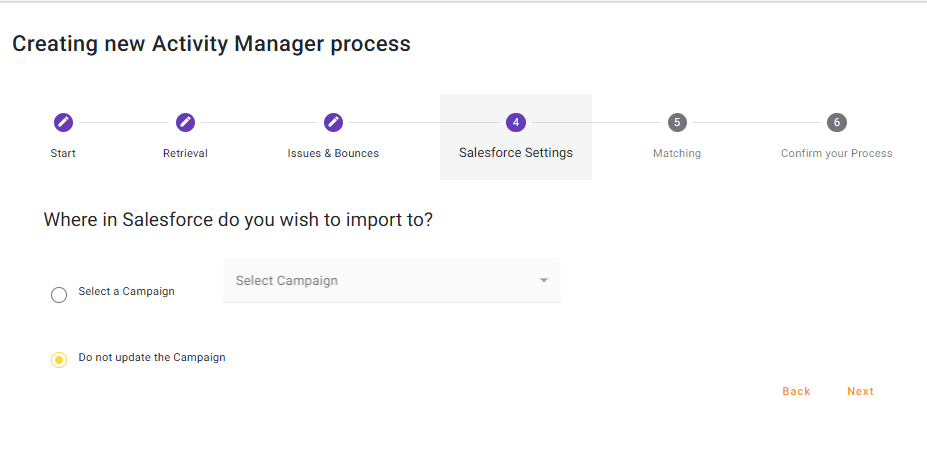
Salesforce Settings
Select the Salesforce List Campaign that you wish to update or choose not to update a Salesforce Campaign at all.
Matching
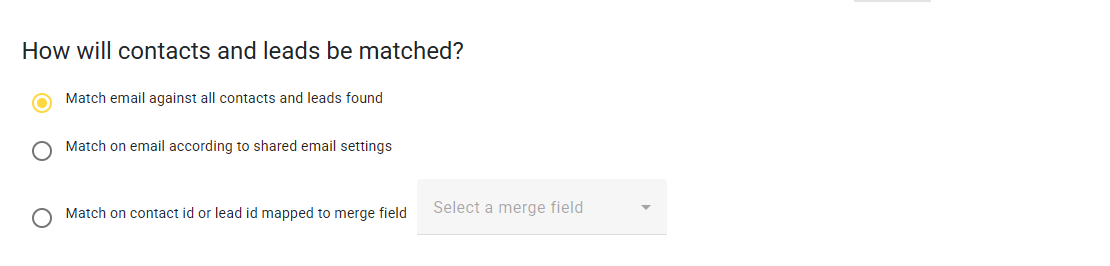
Select how you want Contacts and Leads to be match on. See here for more information about ‘shared email settings’.
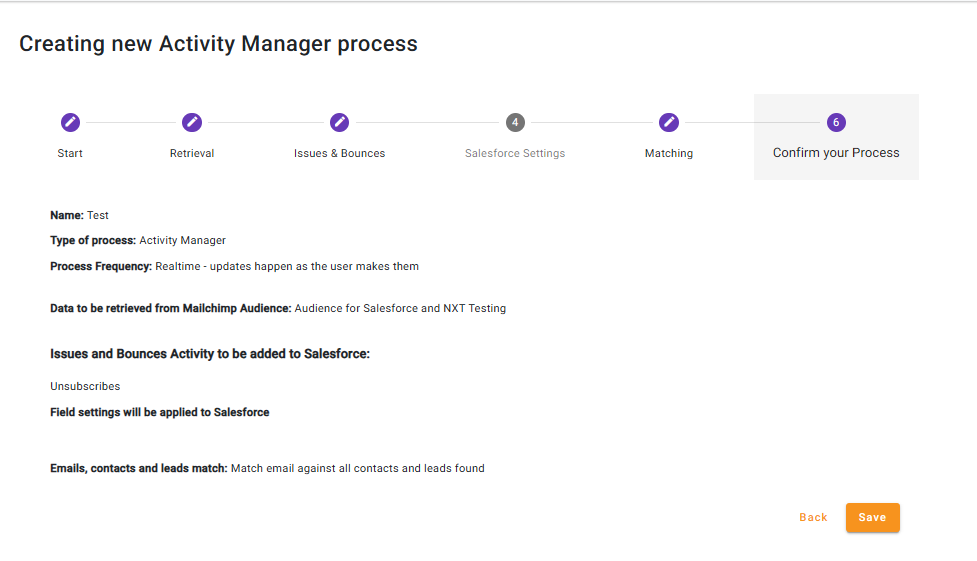
Review and Confirm
Review your process and then click on ‘save’ to run the process