Start
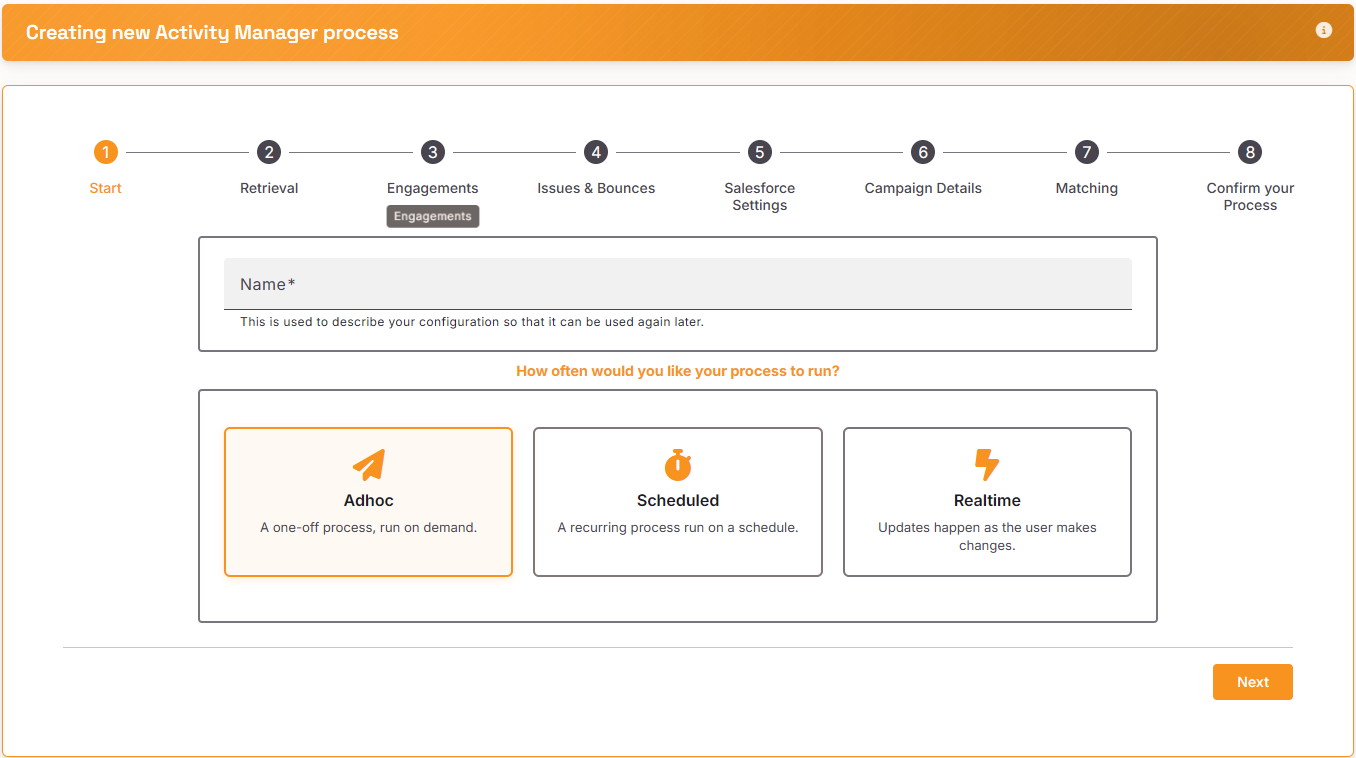
Give your process a name and choose ‘Adhoc – one off process’
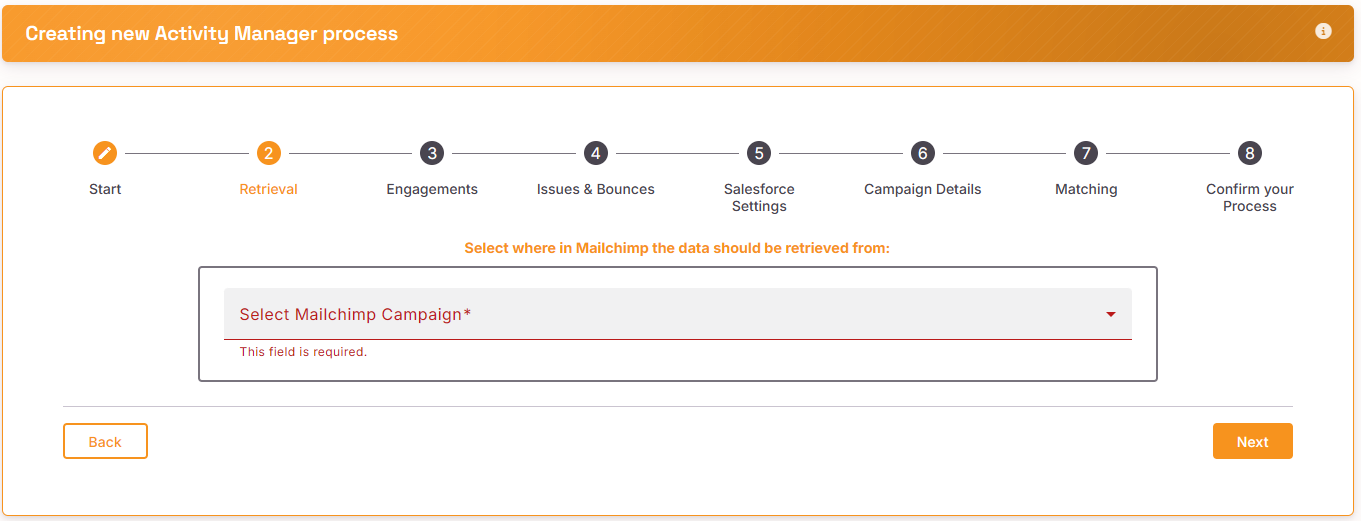
Retrieval
Select the Mailchimp Campaign from the dropdown,
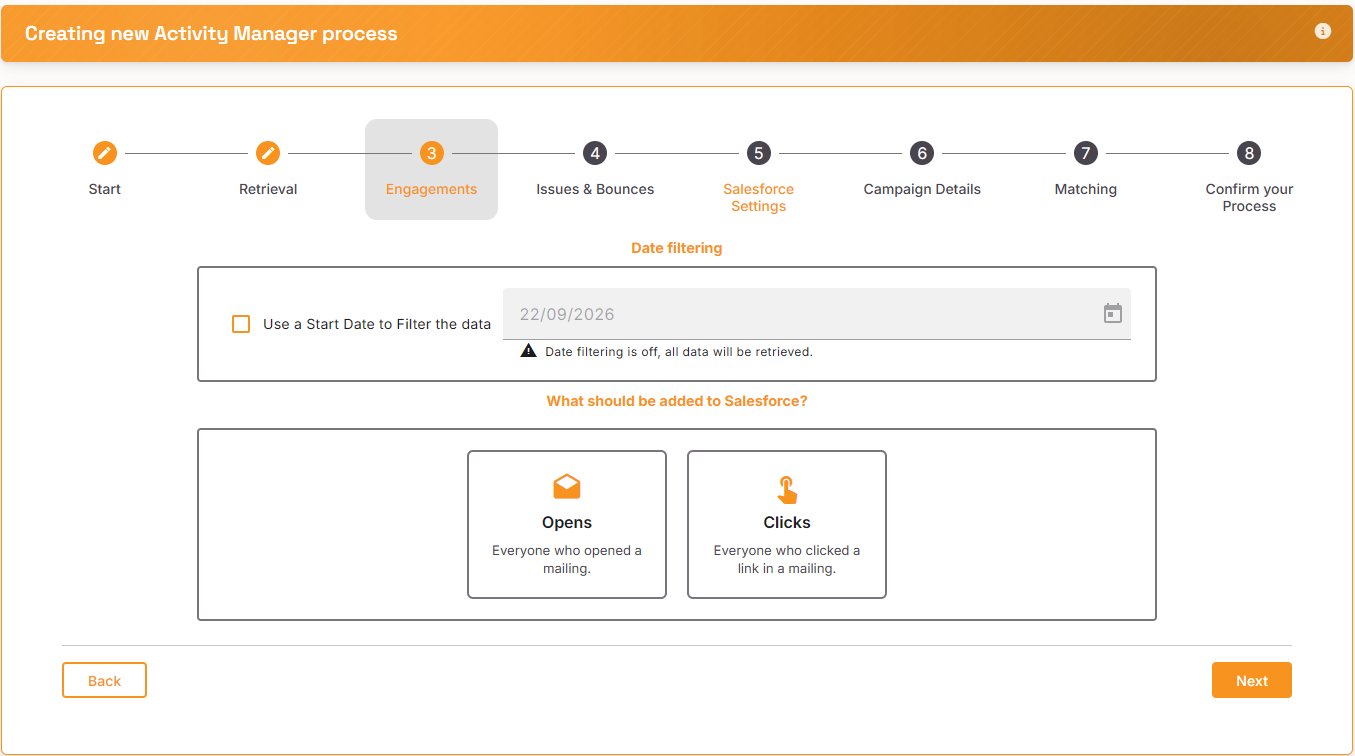
Engagements
Select what data you want to retrieve from Mailchimp. You can apply a date to start from and choose to retrieve positive activities of Opens and Clicks
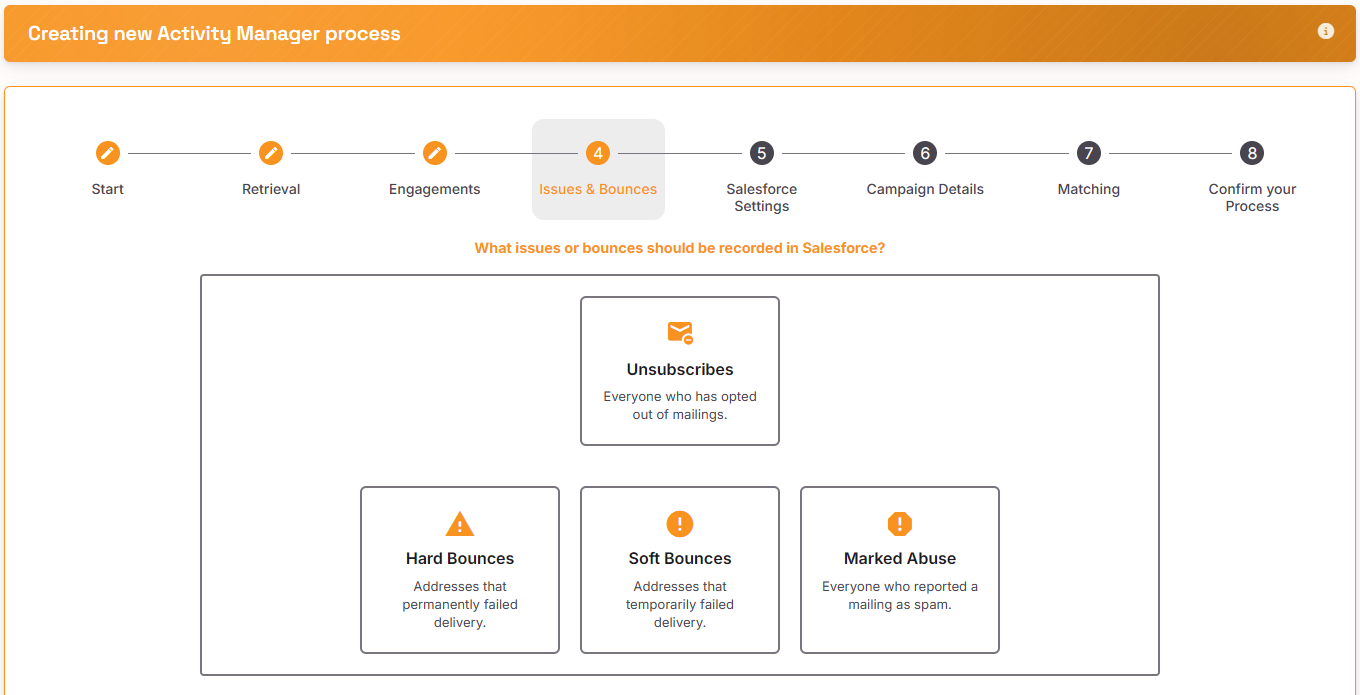
Issues and Bounces
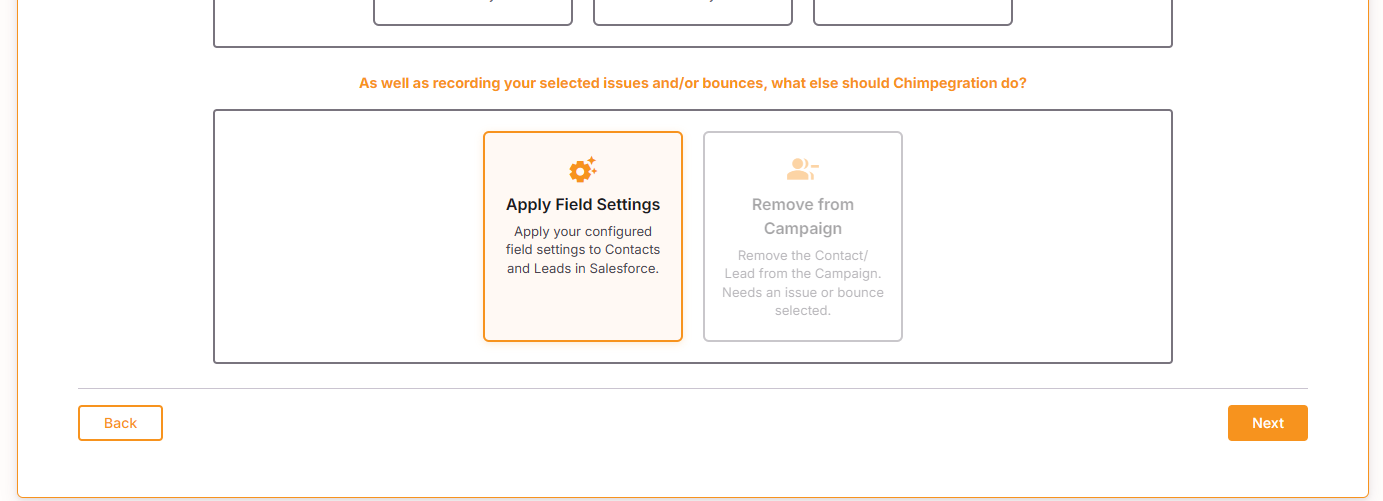
Select which issues or bounces should be retrieved and if they should be removed from the Salesforce campaign
Salesforce Settings
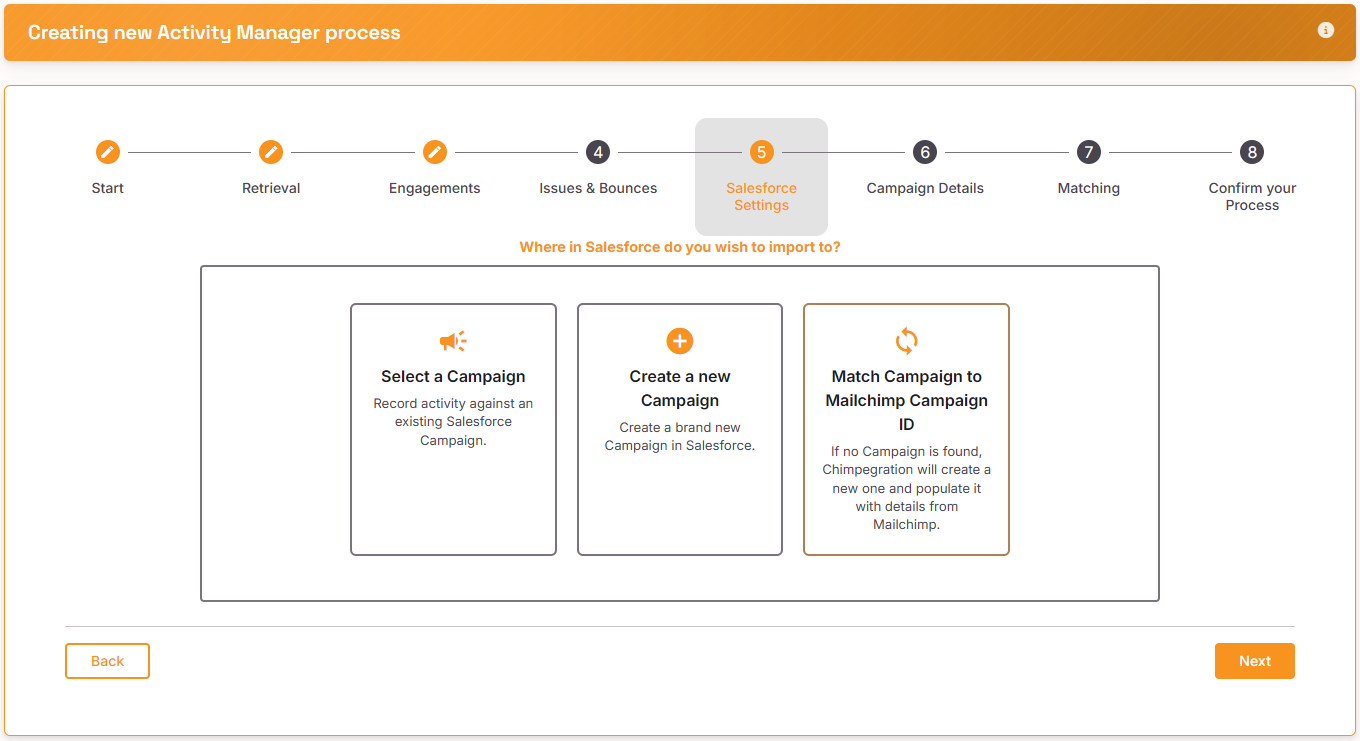
Select the Salesforce Campaign that you wish to update or create a new Campaign within Salesforce
Campaign Details
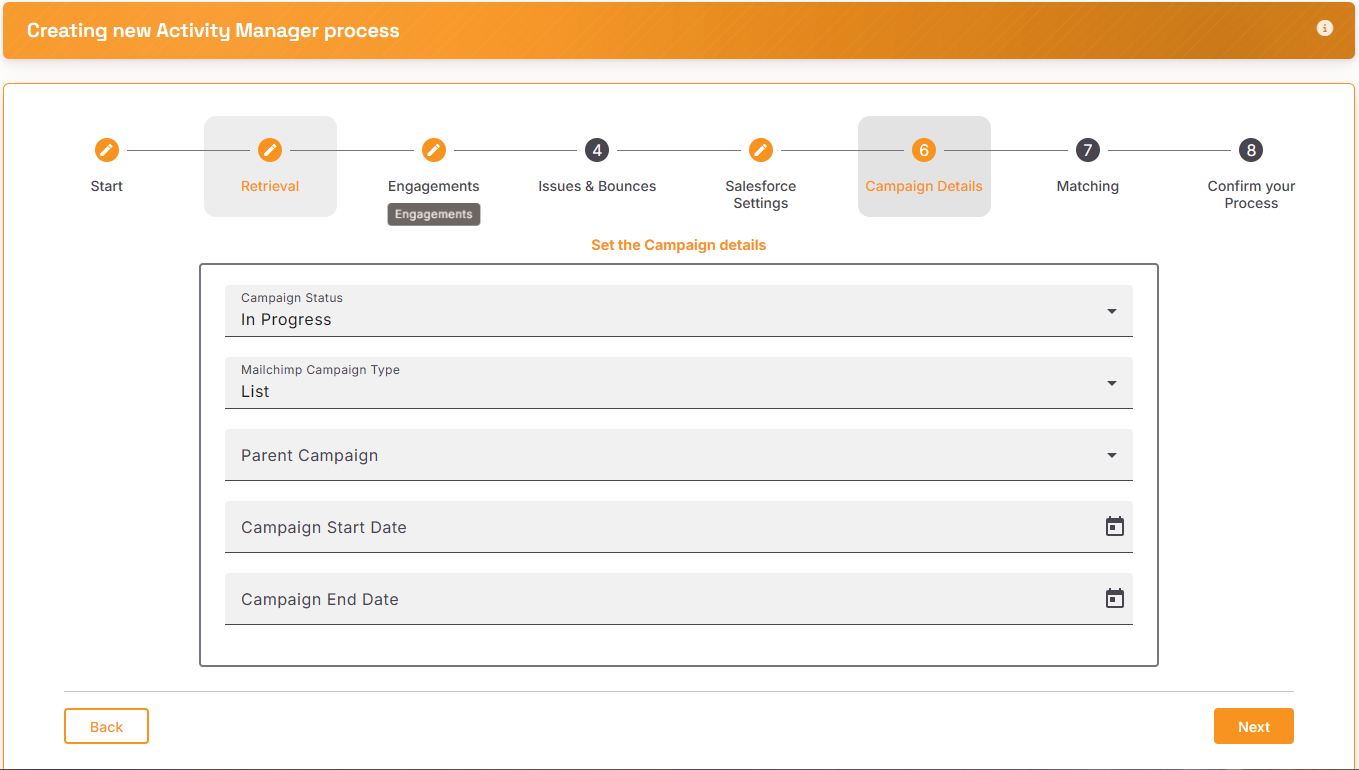
Set the details for the Salesforce Campaign
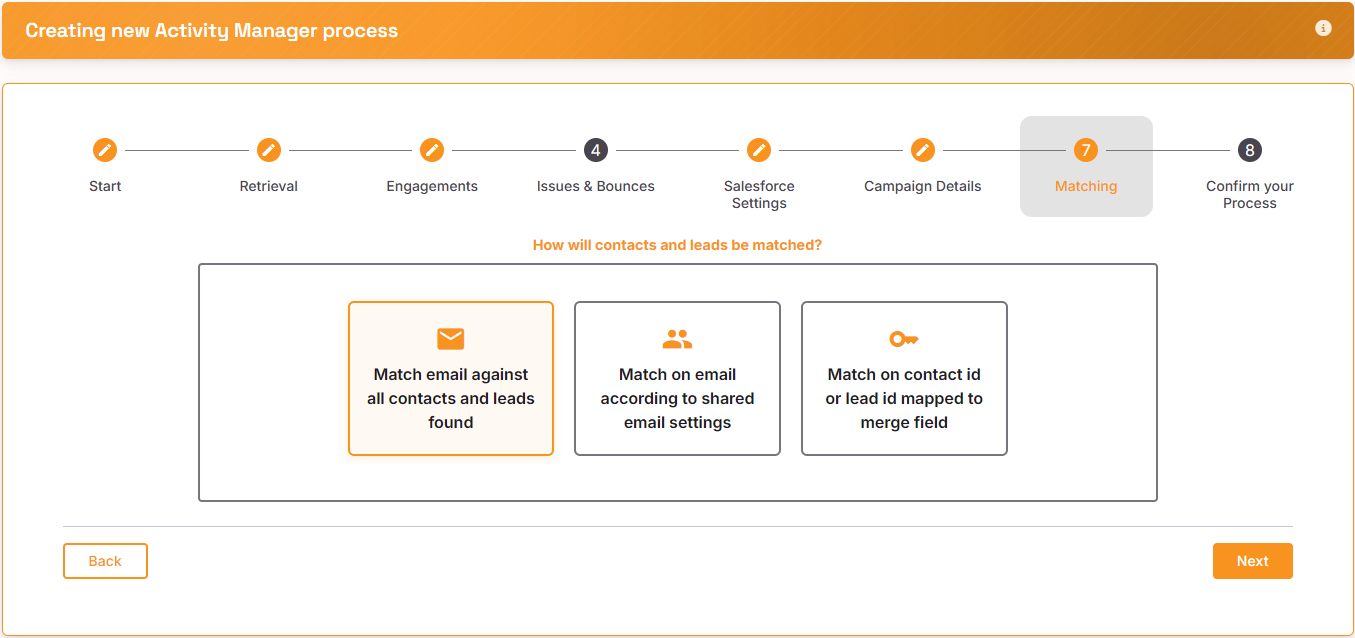
Matching
Select how you want Contacts and leads to be match on. See here for more information about ‘shared email settings’.
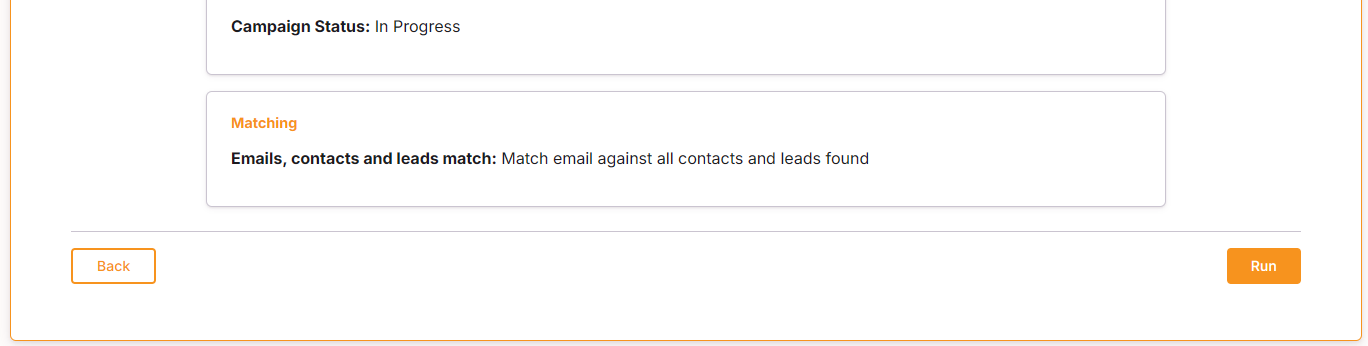
Review and Confirm
Review your process and then click on ‘run’ to run the process