

There are three different ways of processing your results:
- Ad hoc, (one off) – you might use this the first time you send a campaign, manually triggered
- Scheduled – For actions you want to take regularly on a specific day or at intervals
- Realtime – Process an action instantaneously and automatically into Salesforce, useful for new subscribers, unsubscribes etc.
Add a New Process
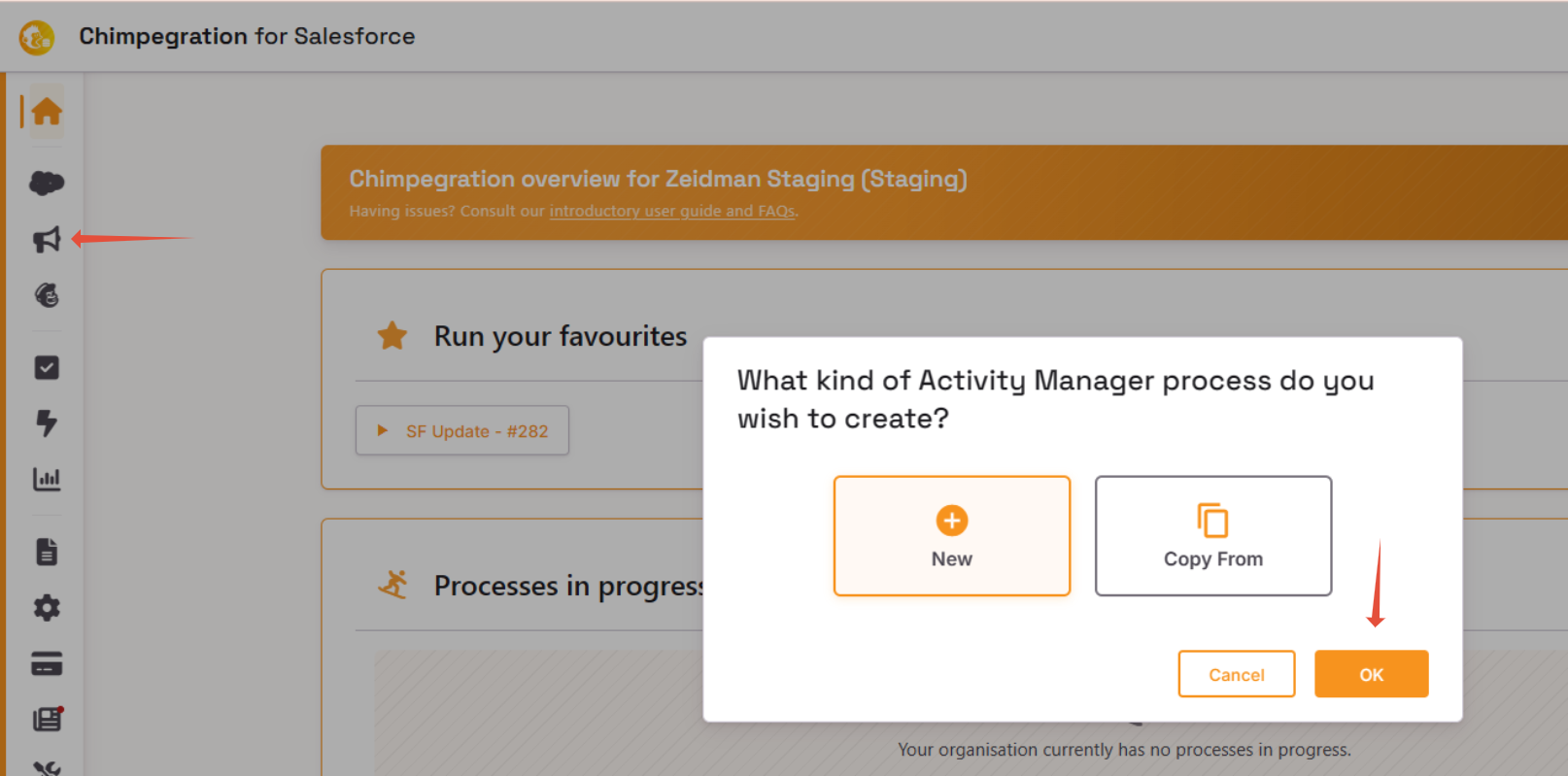
From the sidebar click on the megaphone icon. This will open up a new window where you are offered to create a New process or Copy from an existing Activity Manager template
Edit an Existing Process
- From the homepage click on the Template Manage icon (Document icon)
- In the Template Manager, click on ‘edit
- Make your changes
- Click ‘save’ on the final tab to save your changes. Please note: if this is an ad hoc process clicking ‘same’ will also run the process.