

Skip to content
Zeidman Development
Zeidman Development
Zeidman DevelopmentZeidman Development
  • Home
  • About us
    • Newsletter
    • Contact
    • Blog
    • Careers
  • Products
    • Audit Trail
    • Chimpegration
    • Importacular
  • Services
    • Consulting
    • Customizations and Integrations
  • ZeidZone
    • Register
    • Lost Password
    • Log In
Search:
  • Home
  • About us
    • Newsletter
    • Contact
    • Blog
    • Careers
  • Products
    • Audit Trail
    • Chimpegration
    • Importacular
  • Services
    • Consulting
    • Customizations and Integrations
  • ZeidZone
    • Register
    • Lost Password
    • Log In

Raiser’s Edge NXT Setup

Audit Trail Set-up

⌘K
  • Create a ZeidZone Account
  • Raiser’s Edge NXT Setup
    • Audit Trail User
  • Cloud Provider Set-up
  • AWS set-up
    • AWS Non-profit credits
    • Setting up an AWS User
      • IAM (Identity and Access Management) Users
      • Permissions Needed
      • Creating a user and attaching the policies
  • Azure set-up
    • Azure grants for non-profits
    • Azure user
  • Audit Trail Configuration
    • Authenticate AWS
    • Authenticate Azure
    • Best Practice Options
    • Advanced Options
  • NXT Tile set-up
  1. Home
  2. Docs
  3. Audit Trail Set-up
  4. Raiser’s Edge NXT Setup

Raiser’s Edge NXT Setup

Go to the Blackbaud Marketplace listing for Audit Trail.

Select ‘Connect’ in the left hand menu bar.
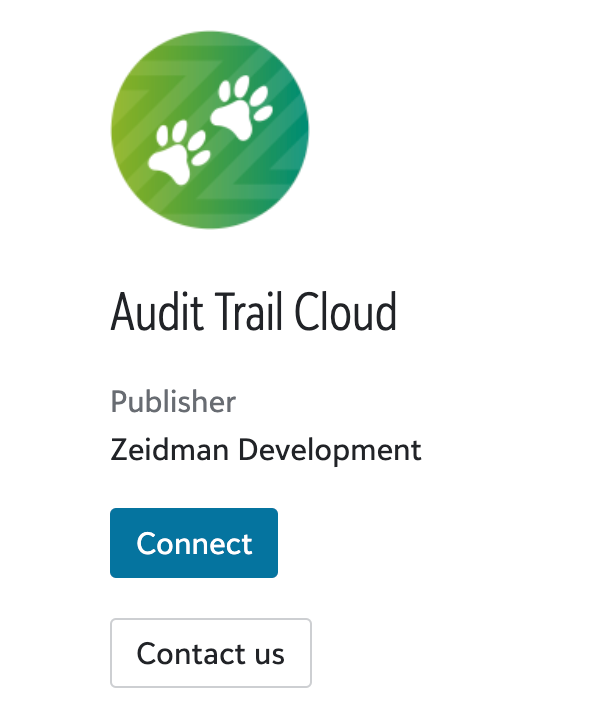
Once connected you can also disconnect the app in the same place.

For troubleshooting, take a look here.

Articles

  • Audit Trail User

Doc navigation

← Create a ZeidZone AccountCloud Provider Set-up →
©2025 Zeidman Development
  • Contact
  • Privacy Policy
  • FAQ
Privacy and Contact
Go to Top