Add Importacular NXT to RE NXT
-
- Visit the Manage page in the Blackbaud Marketplace and search for ‘Importacular NXT’
- Select the app
- Select Connect.
- Your application is then shown on the Manage page.
Troubleshooting
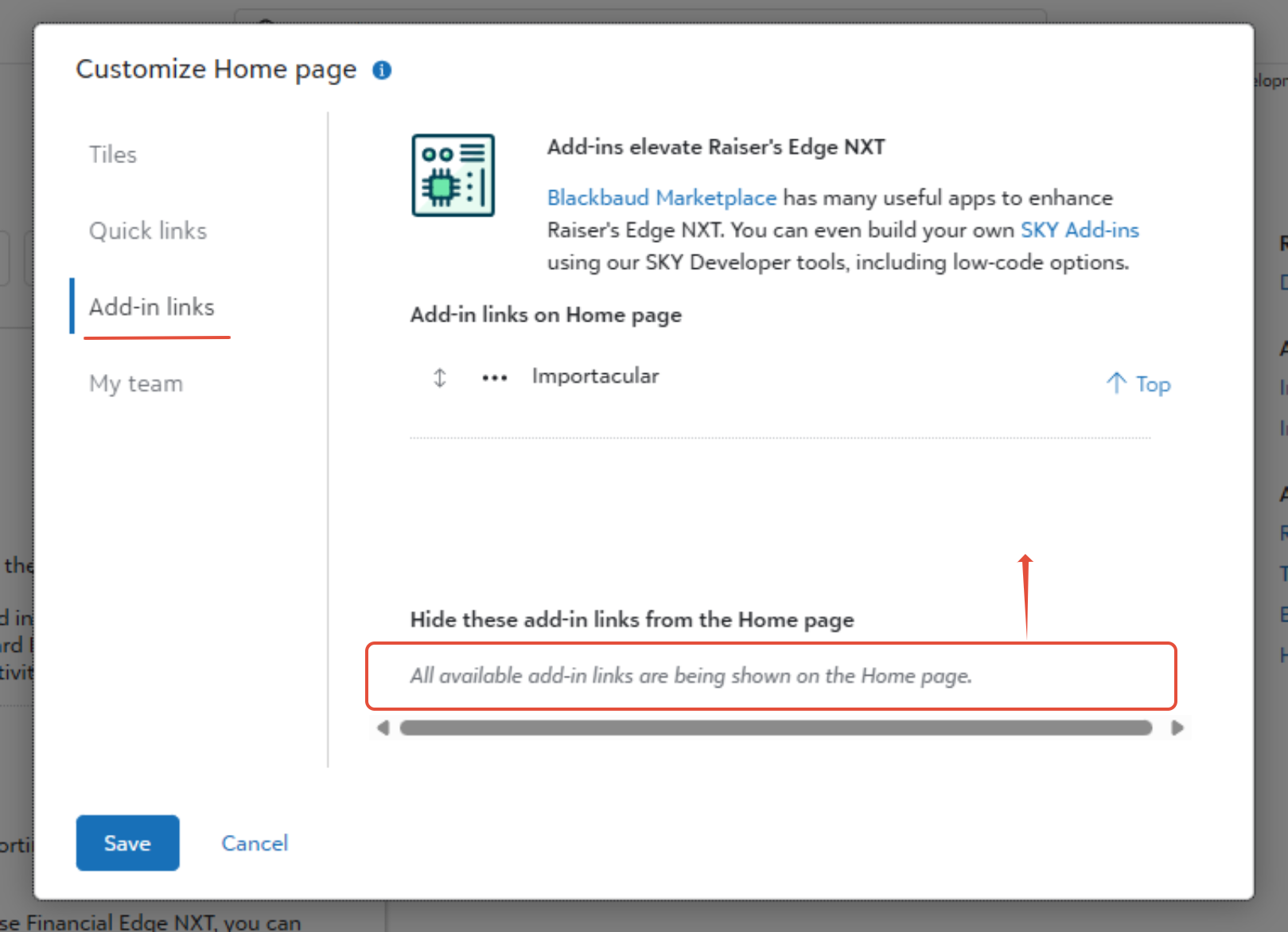
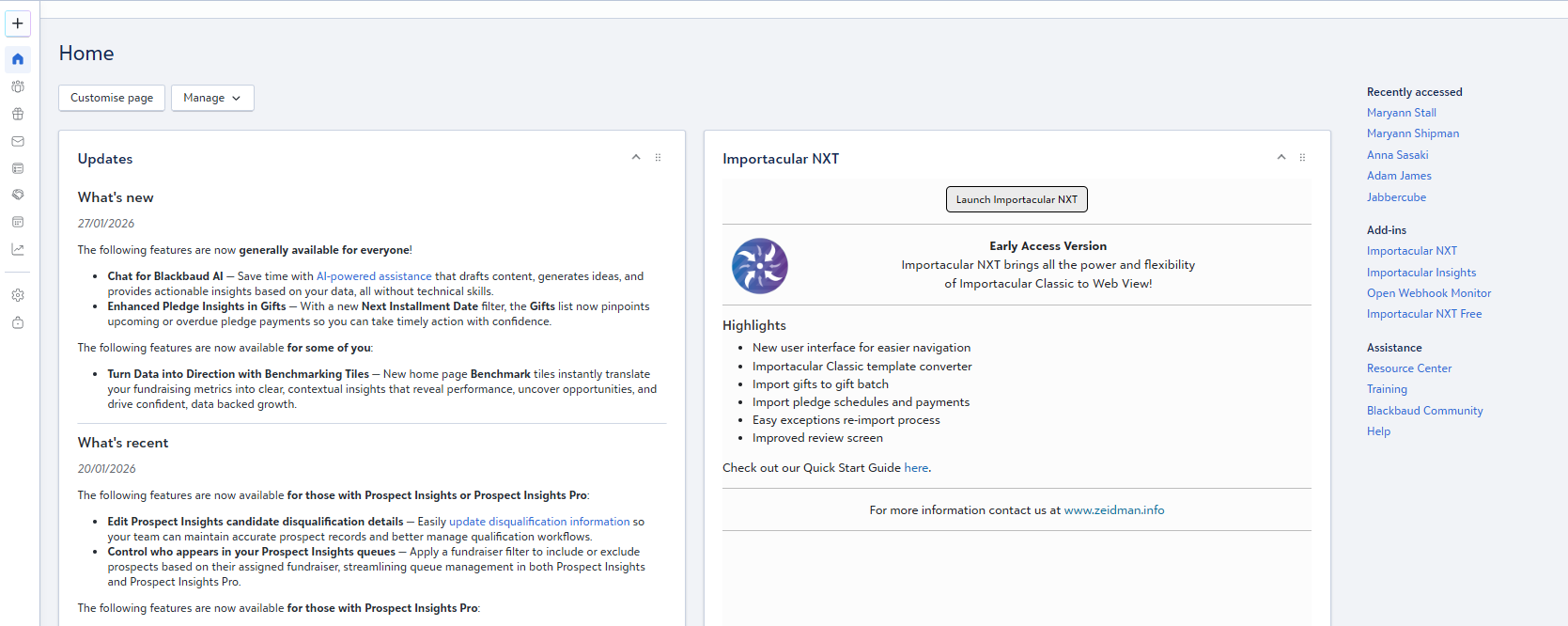
We have had reports that the Add-in doesn’t always appear in that right-hand section. Sometimes the app is pre-selected as being a hidden Add-in. To rectify this, please click on the ‘Customise Page’ button and go to the ‘Add-in Links’ tab. There are options to manage Add-ins by hiding them or not. If Importacular NXT is marked as hidden, please move it to the section that makes it visible on the Homepage: