

Importacular allows Raiser’s Edge users to seamlessly import data from a variety of sources by directly integrating with the online applications and systems you use everyday. You can pull details directly from many online data sources as well as using spreadsheets and .csv files without having to reformat your data.
This User Guide will walk you through the entire importing process as well as all the features this importing tool has to offer. We also offer our Knowledge Base, where you will find answers to things that are not typically found in a User Guide, such as FAQs, known issues, solutions to unusual problems, etc.
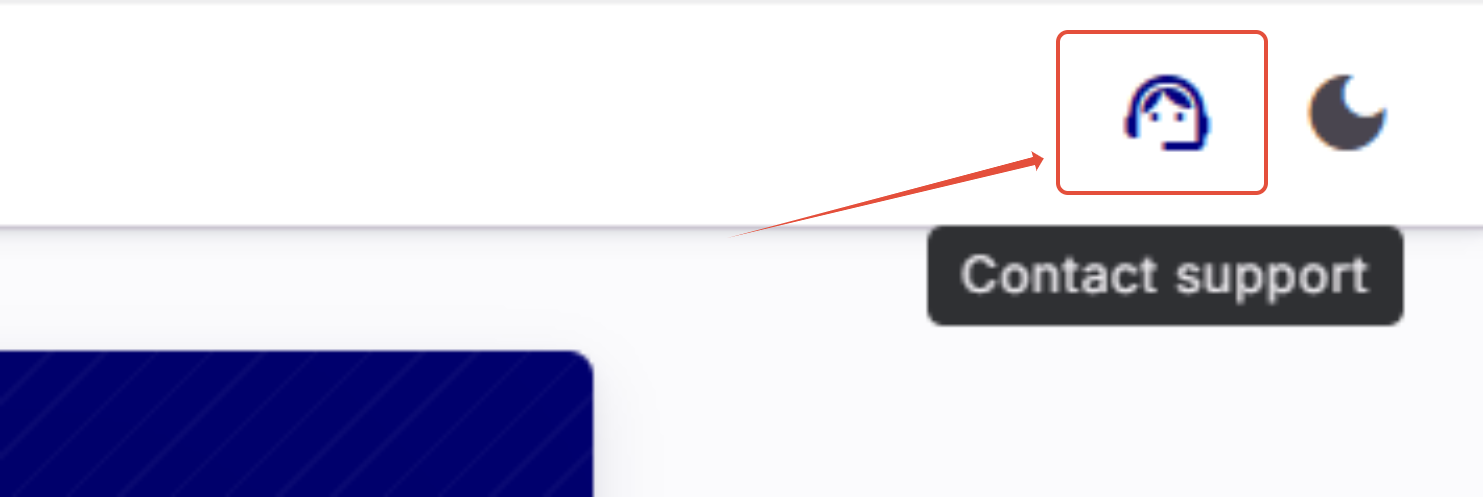
If you need more help, Importacular contains a Support Centre on the top-right hand side of the screen.
Articles
- Importacular NXT App Connection
- Training and Support
- Settings
- User Management
- Understanding the Import Process Flow
- Guide to a Good Import
- Record Lookup
- Data Sources
- Template Builder
- Template Manager
- Classic Template Converter
- Default and Pre-Built Templates
- Constituent Mapping Areas
- Contact Mapping
- Gift Mapping Overview
- Action Mapping
- Educational Relationship Mapping
- Individual Relationship Mapping
- Organisational Relationship Mapping
- Relationship Area Settings
- Participant/Event Mapping
- Data Transformations
- Import Creator
- Automated Imports
- Imports Requiring Attention – Review
- Completed Imports – Results