

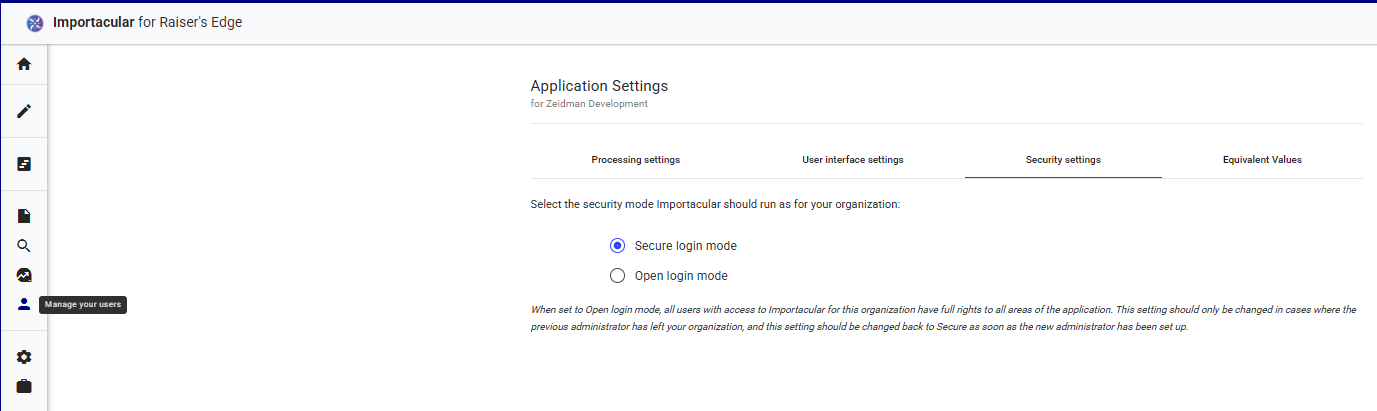
Once Importacular NXT has been set to ‘Secure Login Mode’, via the Settings/Security Settings, head over to ‘Manage your users’:
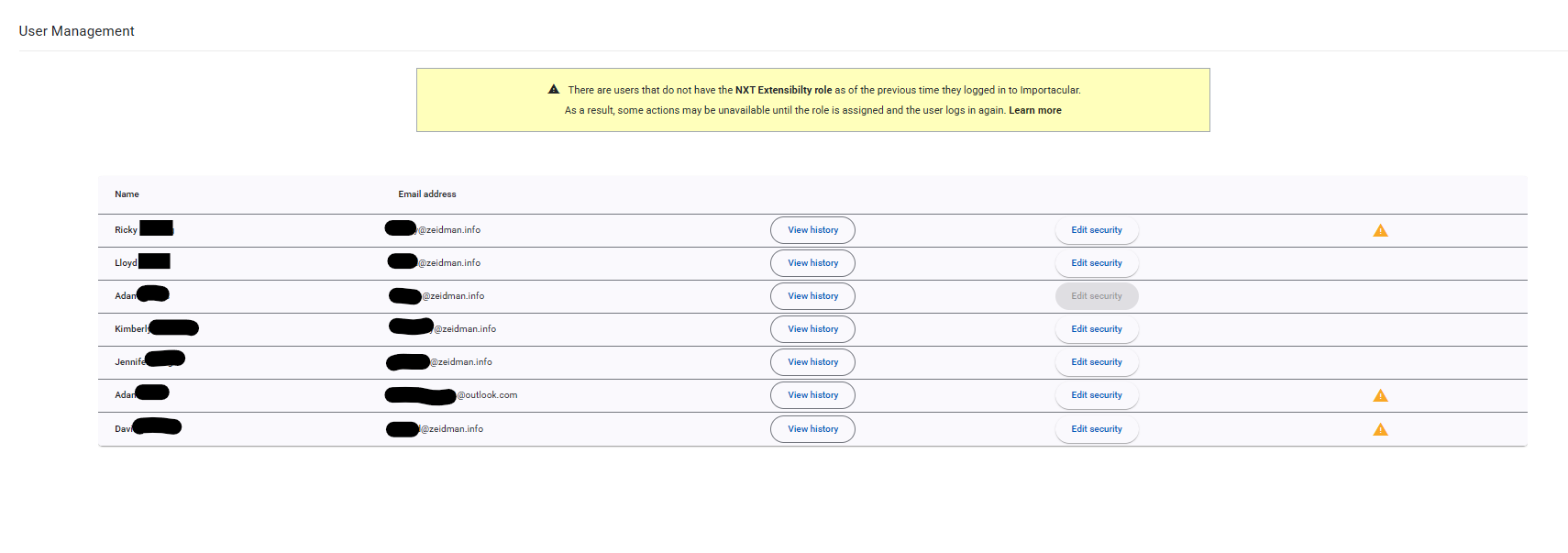
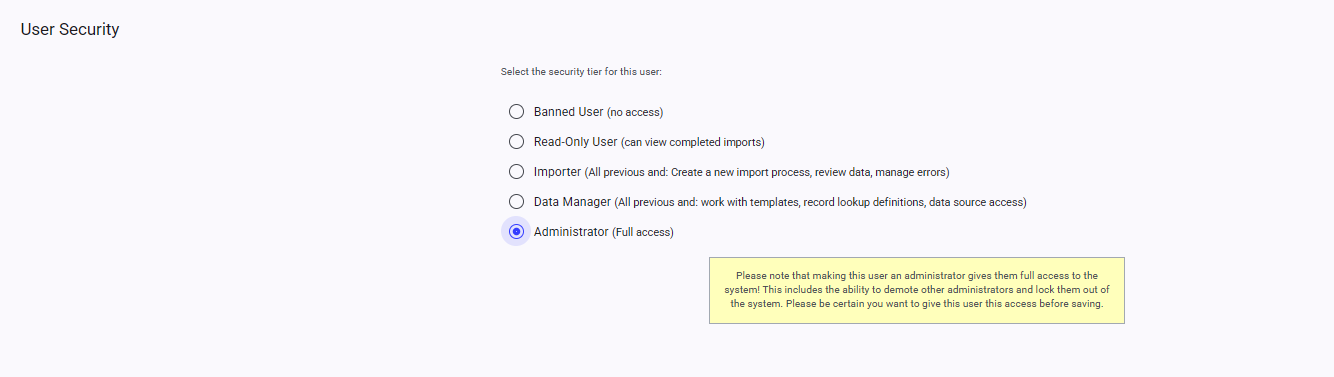
Here, you can edit the Security level for users that have attempted to log in to Importacular NXT by clicking on ‘Edit Security’:
NXT Extensibility Role
For users that have not been extended an Extensibility role are highlighted with an orange triangle icon. Click here to find out how to manage Extensibility Roles in RE NXT
View History
You can also view what imports each user has performed by clicking on the ‘View History’ button