

Skip to content
Zeidman Development
Zeidman Development
Zeidman DevelopmentZeidman Development
  • Home
  • About us
    • Newsletter
    • Contact
    • Blog
    • Careers
  • Products
    • Audit Trail for RE NXT
    • Chimpegration for Raiser’s Edge NXT
    • Chimpegration for Salesforce
    • Importacular
  • Services
    • Consulting
    • Customizations and Integrations
  • ZeidZone
    • Register
    • Lost Password
    • Log In
Search:
  • Home
  • About us
    • Newsletter
    • Contact
    • Blog
    • Careers
  • Products
    • Audit Trail for RE NXT
    • Chimpegration for Raiser’s Edge NXT
    • Chimpegration for Salesforce
    • Importacular
  • Services
    • Consulting
    • Customizations and Integrations
  • ZeidZone
    • Register
    • Lost Password
    • Log In

Login

Audit Trail User Guide

⌘K
  • Login
  • Audit Trail Viewer
    • Usage Grid
    • Search and Filter Results
    • Revert Changes
    • Configuration
    • Download Change Log
    • Audit Trail View Custom Tiles
    • Baseline data
  • List of Audited Fields
  • Updating your Audit Trail Configuration
  1. Home
  2. Docs
  3. Audit Trail User Guide
  4. Login

Login

Go to Audit Trail and login using your Zeidzone account credentials.
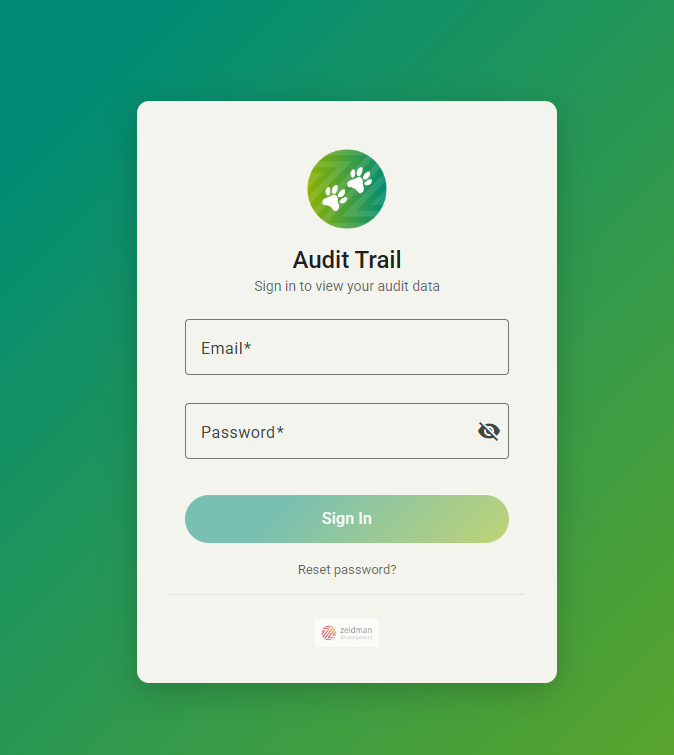
If you have additional users who would like access to your Viewer you can add them by following these instructions.

Doc navigation

Audit Trail Viewer →
©2026 Zeidman Development
  • Contact
  • Privacy Policy
  • FAQ
Privacy and Contact
Go to Top