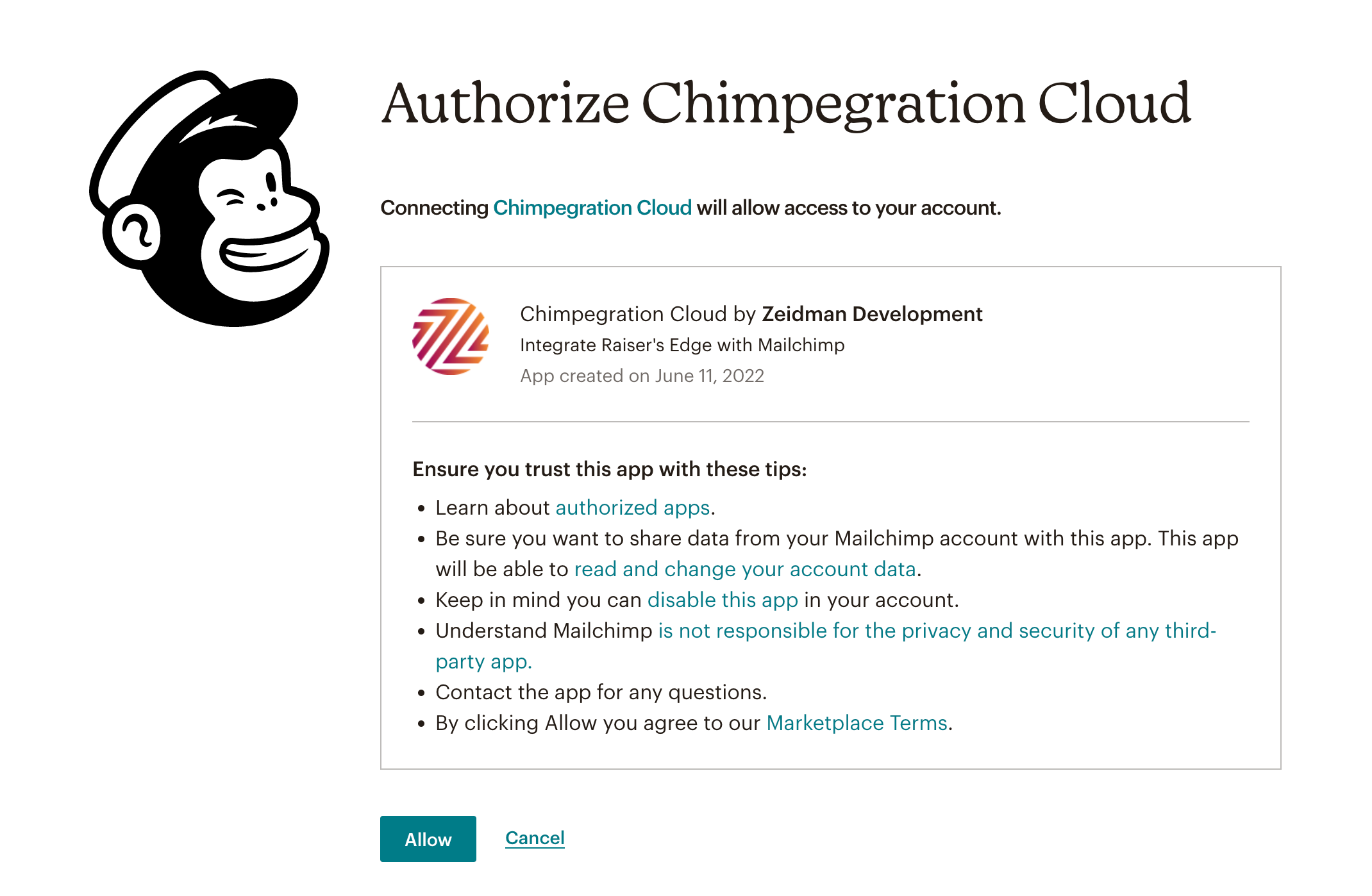
Within the Settings area the Authentication tab is where you can authenticate your Raiser’s Edge and Mailchimp account with Chimpegration.
To connect Chimpegration to Mailchimp or Raiser’s Edge click on ‘Click here to authenticate’ or ‘Click here to re-authenticate’, if you need to re-connect Chimpegration.
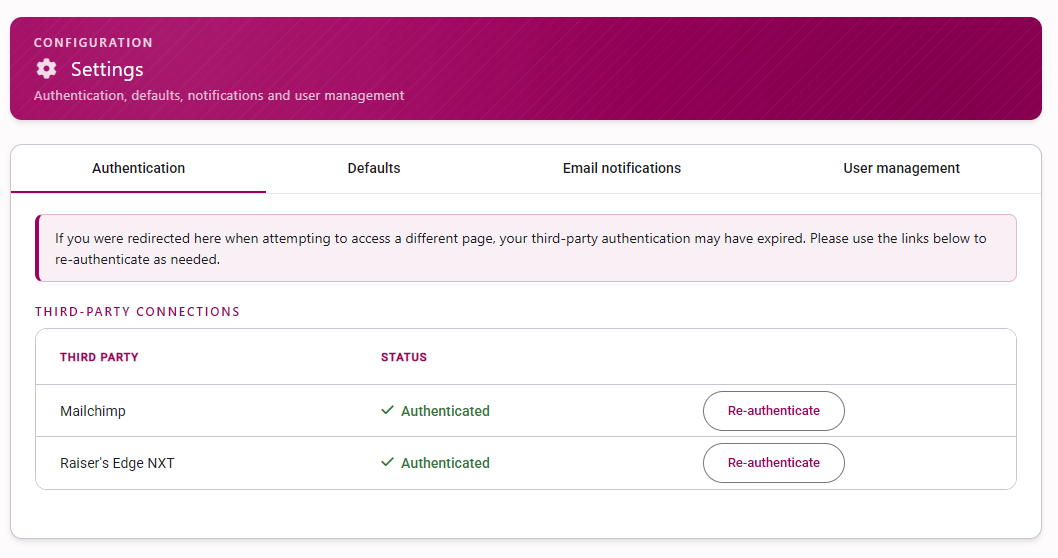
You will then need to login to your Mailchimp/Blackbaud account and authorise the application. Simply click ‘allow’ and you are ready to go.