

When bringing in campaign results you have a number of options, some fields are compulsory if selecting certain data points for retrieval.
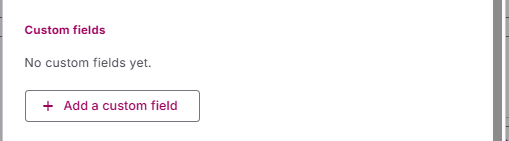
Custom Fields
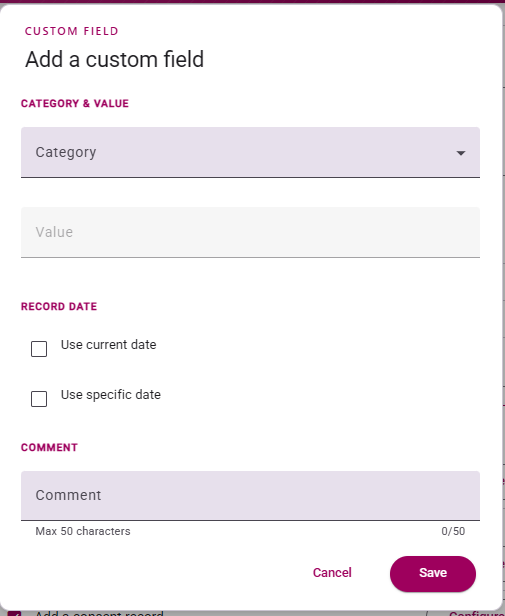
When adding a custom field you will be presented with the options as if you were globally adding a custom field in NXT. Simply fill in the fields required by your business rules to complete. This field will be added to all records retrieved based on the selection made on the ‘Activity’ tab.
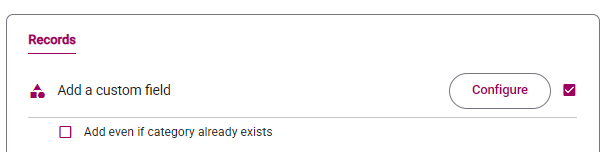
You can also choose to have the Custom Field be added, even if it already exists
Actions
Most fields shown here will mimic what you see when globally adding an Action in NXT and you should fill this out with your RE business rules in mind.
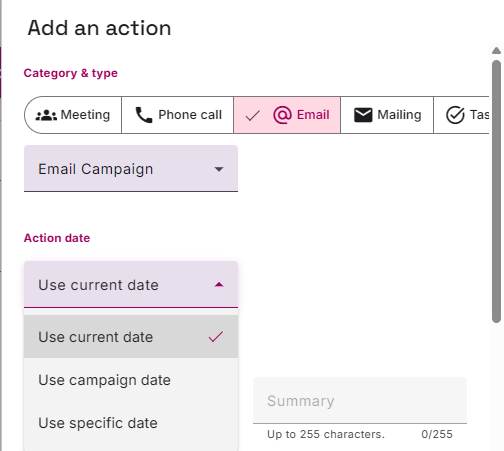
For Action Date and Completion Date, you can choose between, Current Date, Date of the Campaign or a specific date of your choosing.
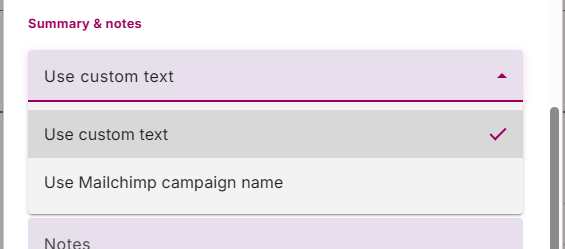
For the Summary field, you can choose to add your own text or use the Mailchimp Campaign Name.
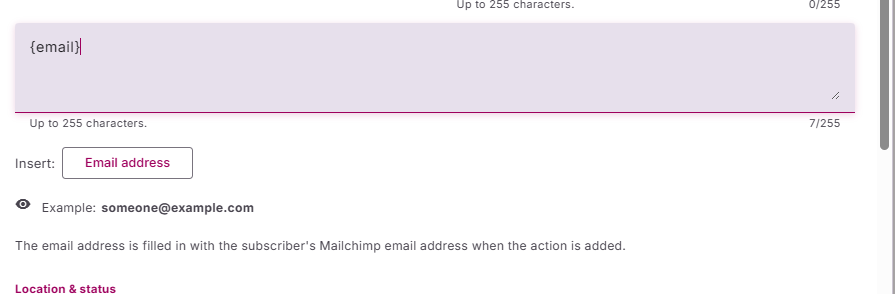
For action Description, we have provided the option to be able to insert the email address that was used by Mailchimp when sending out the campaign. Clicking on the insert ’email address’ button populates the description field with a text-based ‘merge field of {email}.
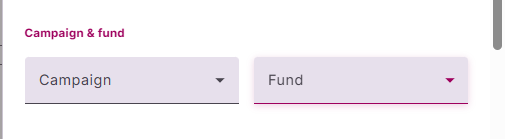
We have provided you with the option to assign the Action to particular Fund or Campaign in RE
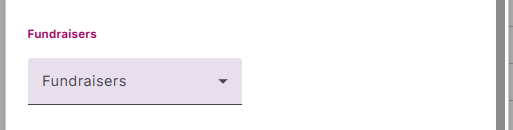
You can assign Fundraiser to the Action, selecting for a list of your constituents marked as fundraisers.
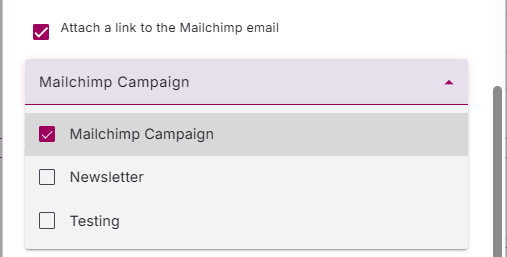
You can also attach a Link to the actual Mailchimp Email that was sent as well as select which Tag it should get.
Main Custom Field Mappings
To be able to capture Opens and Clicks on an Action, you will need to have created Action Custom Fields for Opens, Clicks and the Mailchimp Campaign ID. You can also add a Mailchimp Campaign Name and Mailchimp email address field option if you would like. However the following fields are also compulsory:
- For all actions – you must add a custom field for Campaign ID. This prevents you from adding duplicate actions for the same email campaign.
- For retrieving open and click data – custom fields for open and click values. All custom fields must be text type fields. These will then be visible in the dropdowns on the action creation screen in Chimpegration.
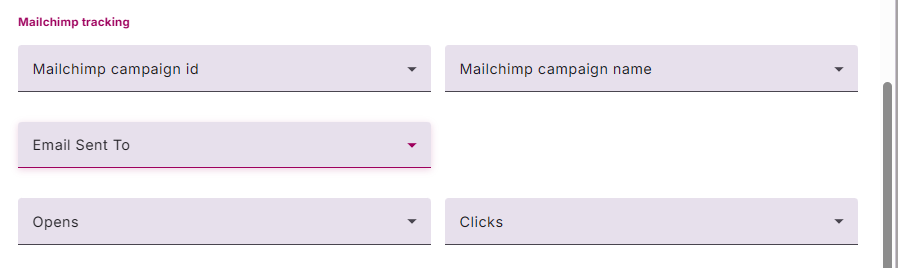
Outside of these main Custom Fields, you can also choose to added additional Custom Fields if you so choose.
Finally, you can also add a Action Note to your Action.
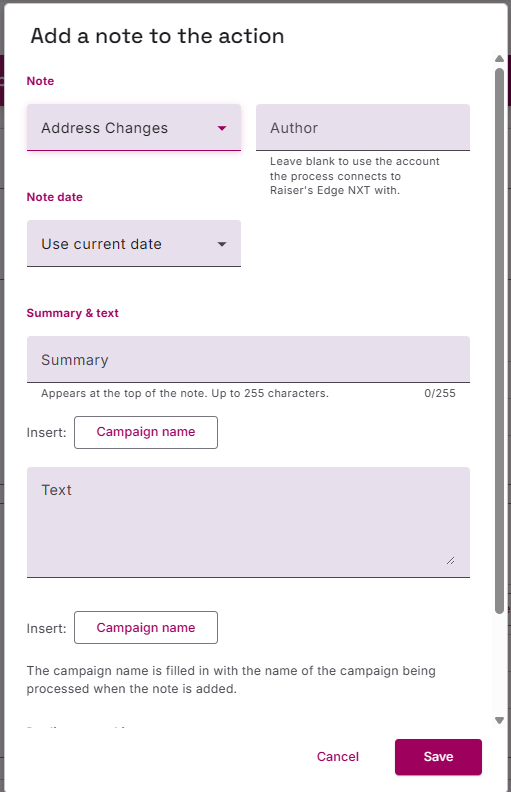
Clicking on ‘Add a Note’, opens op an new pop-up for you to populate:
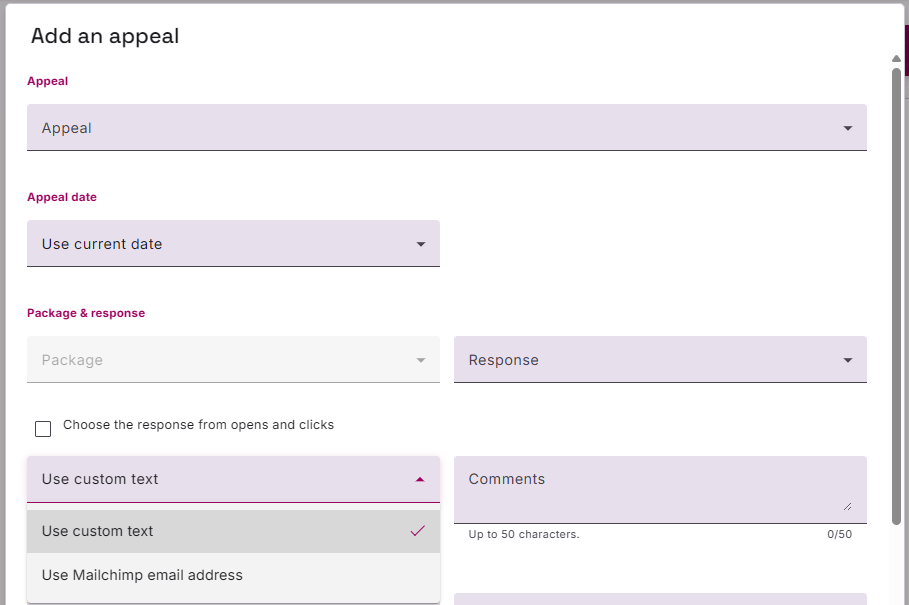
Appeal
Start by populating the ‘Appeal’ field. Chimpegration can not create new appeals, so you will need to ensure the Appeal exists in RE NXT first. Once you assign an Appeal, then the Package associated with the Appeal will become available. Then add a response. For the ‘Comments’ section, you can choose to add text, or apply the email address that was used to send to the campaign. This can be particularly useful if you are sending campaigns to multiple emails addresses on the same record.
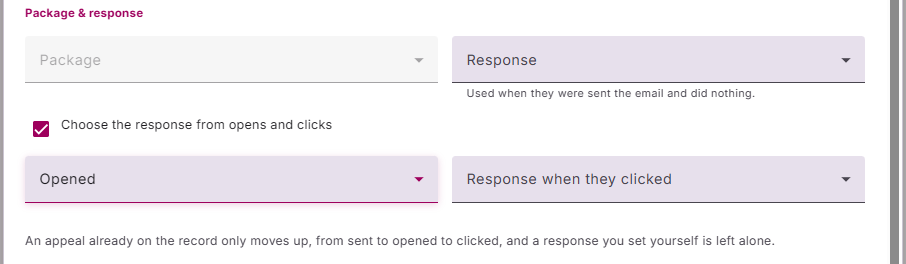
If you are wanting to pull across Opens and Clicks, then you can set up your Appeal mapping to update the Response field to be updated to the appropriate Opened or Clicked values for your Appeal Response code table.
For Marketing Details, Mailing ID and Market Finder Number, Chimpegration/RE NXT will only accept numerical values. Market Segment and Marketing Source Code are text-based fields.
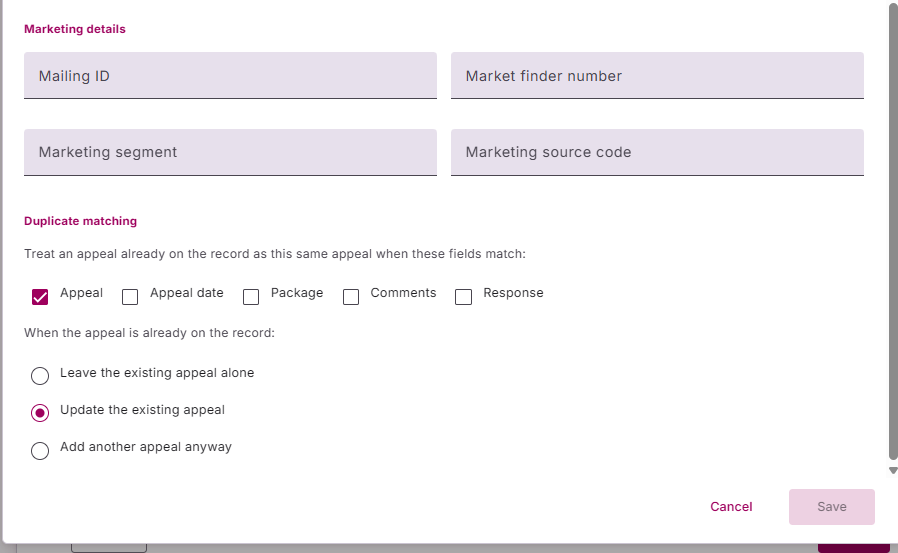
To help prevent duplicating Appeals, we also provide you with how to find matching Appeals and to give instructions on what to do when a match is found.
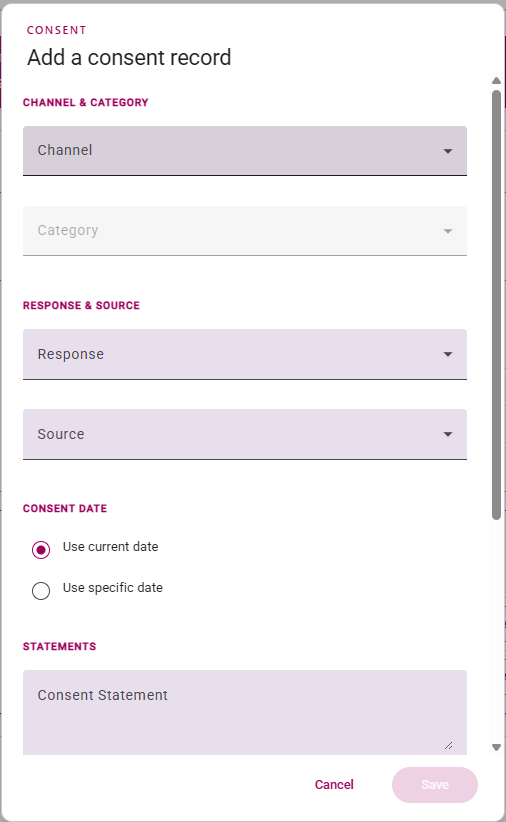
Consent Records
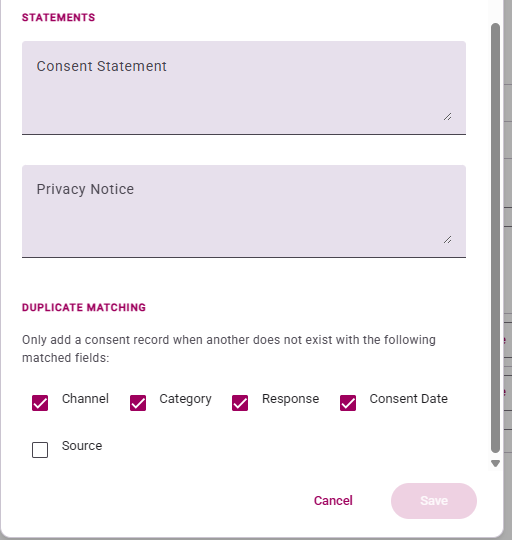
You will need to fill in the required minimum fields to create a consent record (as you would in NXT), you will also need to ensure the correct combination of channel and category have been created in your business rules prior to first use.
You also have options to prevent duplicate consent records being created in NXT, you can choose form the below options when setting up the consent in Chimpegration Cloud.
Constituent Note
To add a Constituent Note, choose a suitable Type and Note Date. For Summary and Text, you can add any text you like as well as ‘Insert’ the name of the Campaign. Once ‘inserted’, it will appear as {campaign name} in the body of text.
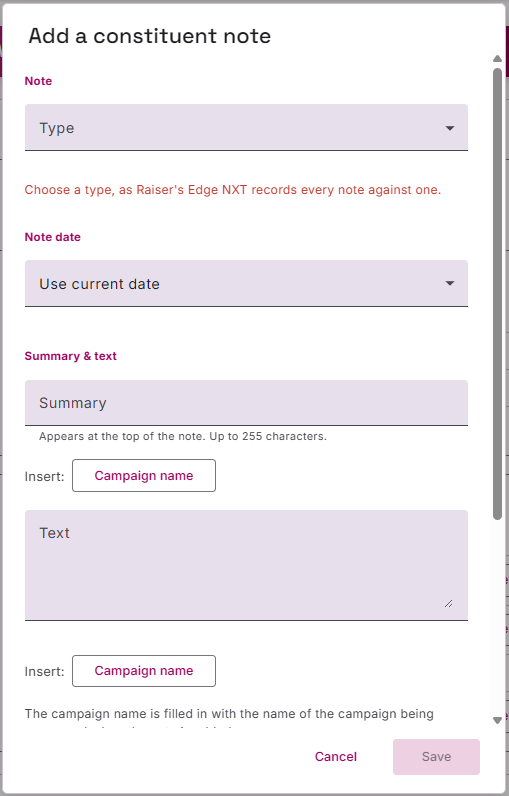
You can also choose to add an Author (leaving it blank will automatically add the name of the person running the Chimpegration process).
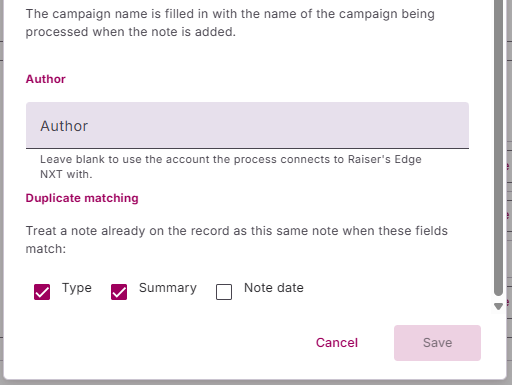
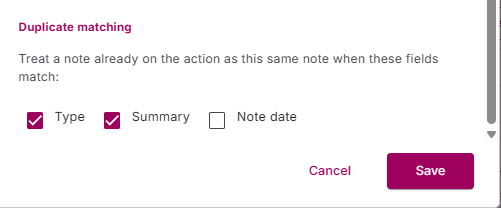
We have also provided options on how to match on existing Constituent Notes to prevent dupliciations