

Skip to content
Zeidman Development
Zeidman Development
Zeidman DevelopmentZeidman Development
  • Home
  • About us
    • Newsletter
    • Contact
    • Blog
    • Careers
  • Products
    • Audit Trail
    • Chimpegration
    • Importacular
  • Services
    • Consulting
    • Customizations and Integrations
  • ZeidZone
    • Register
    • Lost Password
    • Log In
Search:
  • Home
  • About us
    • Newsletter
    • Contact
    • Blog
    • Careers
  • Products
    • Audit Trail
    • Chimpegration
    • Importacular
  • Services
    • Consulting
    • Customizations and Integrations
  • ZeidZone
    • Register
    • Lost Password
    • Log In

NXT Marketplace Activation

Chimpegration User Guide

⌘K
  • Product Guide Overview
  • Overview Screen
    • Cancelling a Process
    • View Results
    • Notifications
  • Chimpegration View
  • Mailchimp Data Update
    • Creating an Ad Hoc (one off) Standard Update
    • Creating a Scheduled Update
    • Update Groups in Mailchimp
  • Raiser’s Edge Data Update
    • Creating an Ad Hoc (one off) Standard Update
    • Creating a Scheduled Update
    • Creating a Realtime Update
    • Group Update
  • Add a Campaign Management Process
    • Adding an ad hoc (one off) process
    • Adding a scheduled process
    • Adding a realtime process
    • Campaign Management Options
    • Processing Options
  • Remove Subscribers
    • Remove Subscribers Process
  • Template Manager
  • Insights
  • Settings
    • Authorisation
    • Defaults (Email and Campaign Setup)
    • Email & Billing Notifications
    • Creating Additional ‘Chimpegration View’ Users
    • Billing
  • Preparation for Getting Started and Trials
    • Fields to review or create
    • Trial Recommendations
  • Authentication and Blackbaud Marketplace
    • NXT Marketplace Activation
    • Authentication
  1. Home
  2. Docs
  3. Chimpegration User Guide
  4. Authentication and Blackb...
  5. NXT Marketplace Activation

NXT Marketplace Activation

Go to the Blackbaud Marketplace listing for Chimpegration.

Select ‘Connect’ in the left hand menu bar.
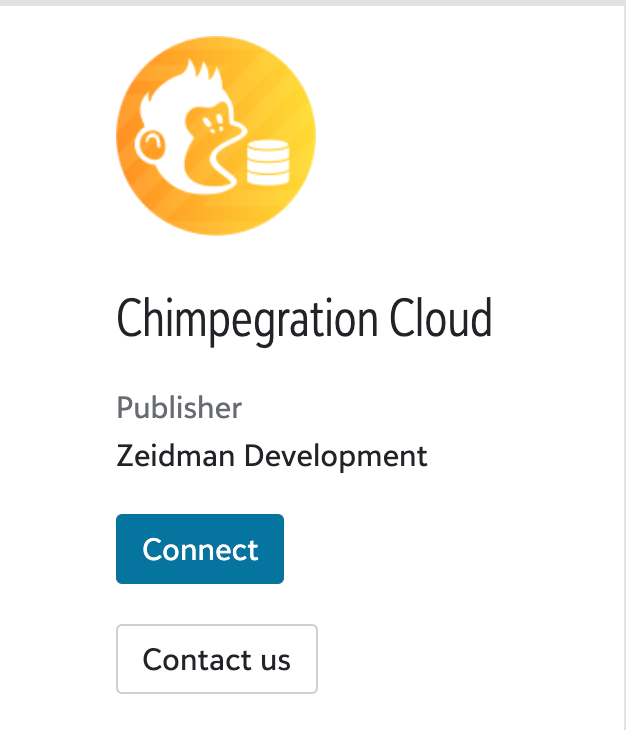
Once connected you can also disconnect the app in the same place.

For troubleshooting, take a look here.

Doc navigation

Authentication →
©2025 Zeidman Development
  • Contact
  • Privacy Policy
  • FAQ
Privacy and Contact
Go to Top