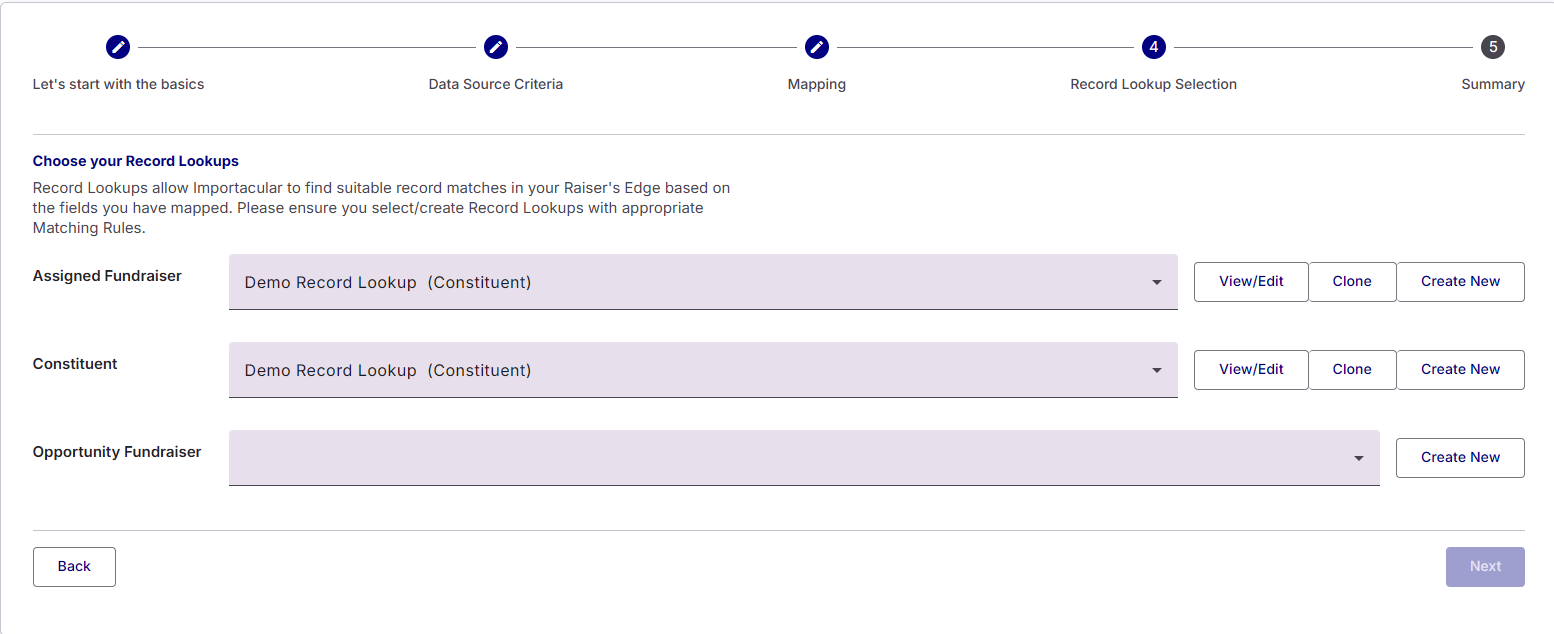

The Opportunity Data Destination allows you to import Opportunities and attach Opportunity Custom Fields, Opportunity Notes and Opportunity Fundraiser’s
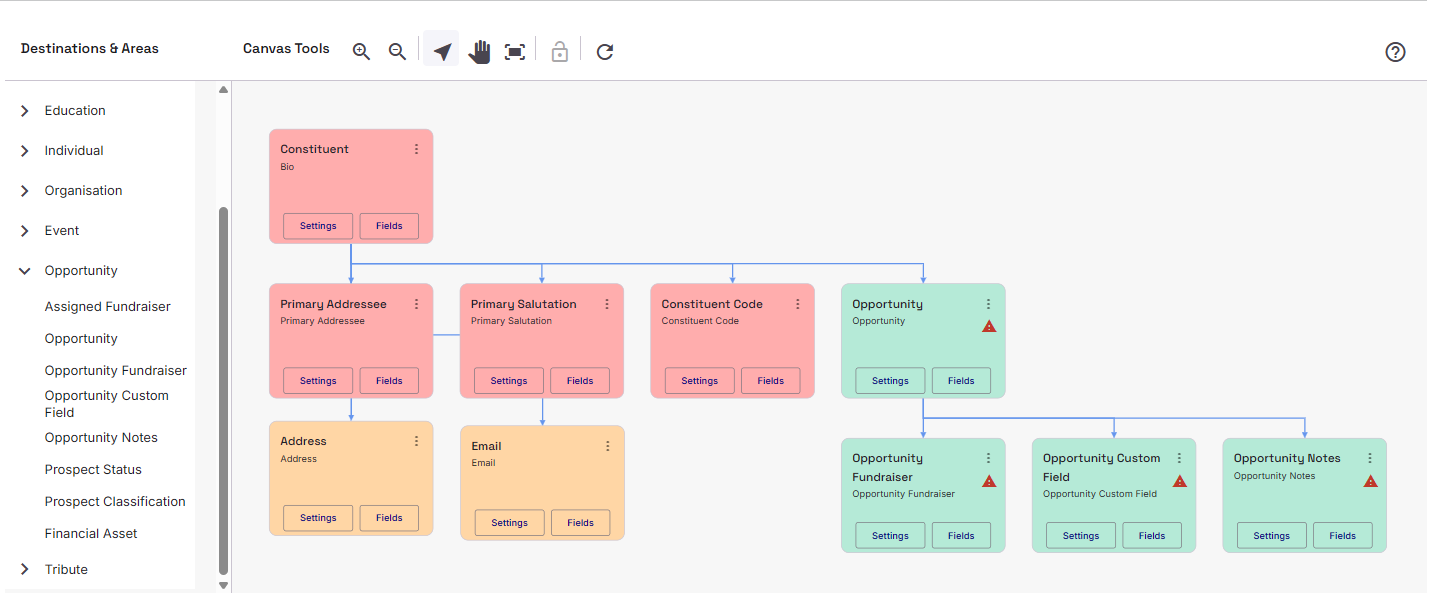
Opportunity Fundraiser
An Opportunity Fundraiser is a fundraiser that will be associated with the Opportunity. The Opportunity Fundraiser Area mapping is a Constituent Area, which means you can attach Constituent and Contact Area mappings to the Fundraiser’s area. This will help in finding existing constituent fundraiser records.
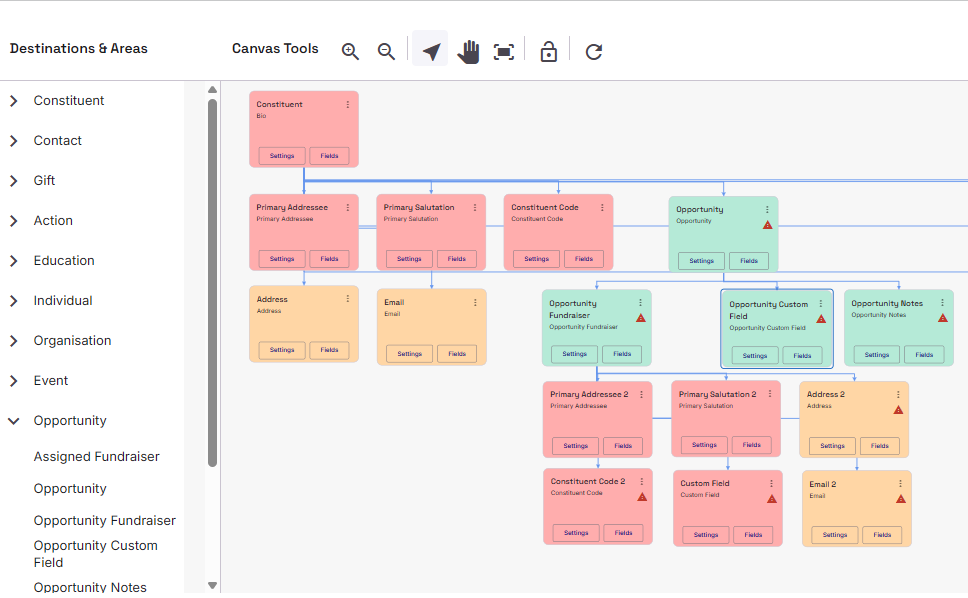
Opportunity Fundraiser Area Settings
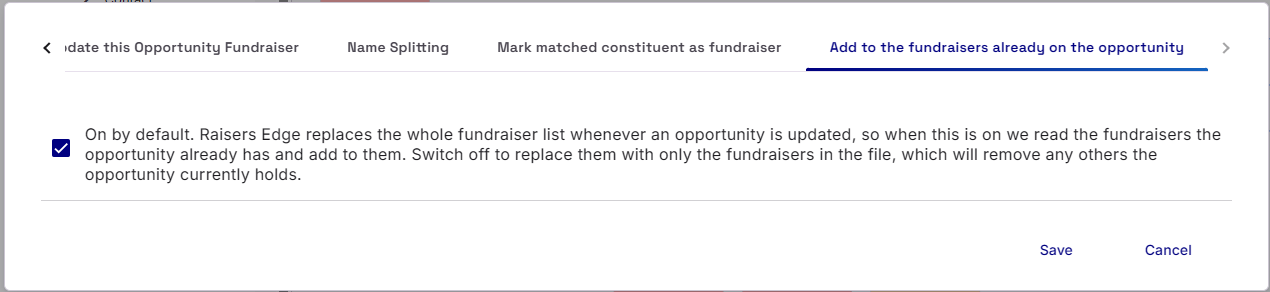
The Opportunity Fundraiser Area Mapping include the usual Constituent Area Settings as well as two specialised Area Settings to consider: Mark matched constituent as fundraiser and Add to the fundraisers already on the opportunity
Mark matched constituent as fundraiser: On by default, when a fundraiser row matches an existing constituent who is not yet marked as a fundraiser in Raisers Edge, the matched constituent is updated to be a fundraiser before the assignment is imported. Switch off if you would rather the import fail in that case so you can investigate the match manually.
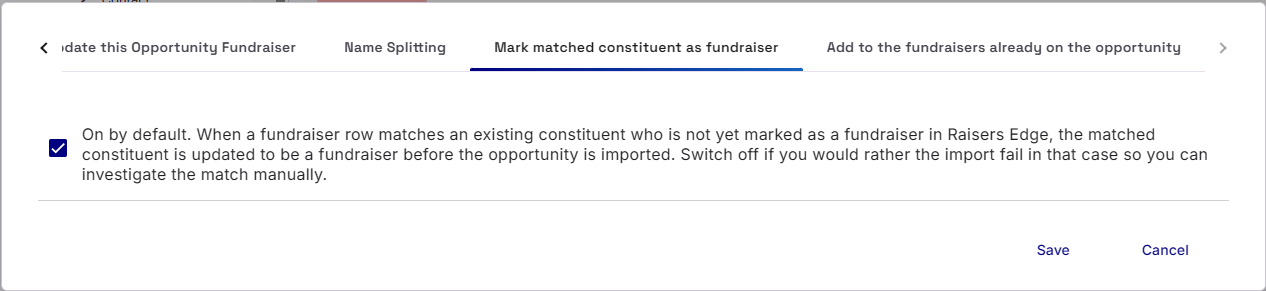
Add to the fundraisers already on the opportunity: On by default. Raisers Edge replaces the whole fundraiser list whenever an opportunity is updated, so when this is on we read the fundraisers the opportunity already has and add to them. Switch off to replace them with only the fundraisers in the file, which will remove any others the opportunity currently holds.
Prospects
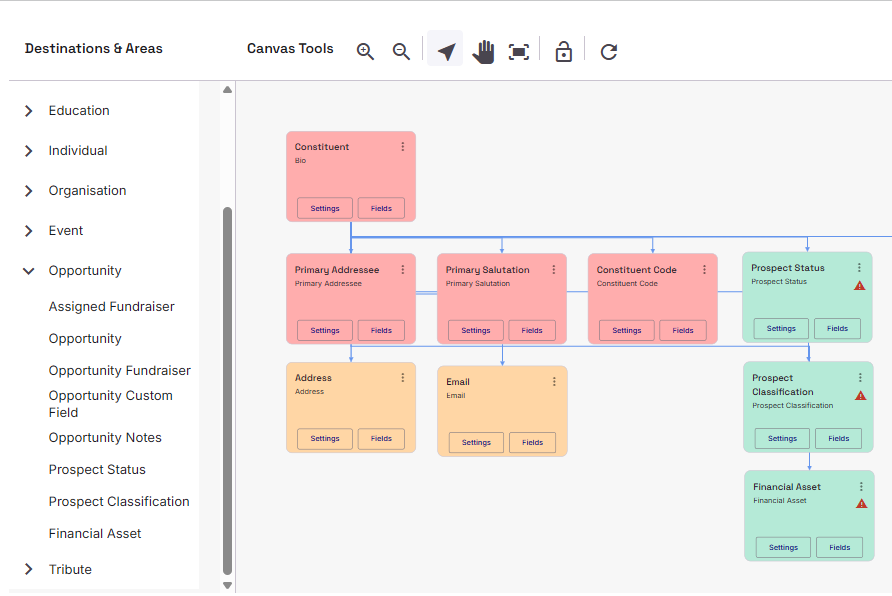
The Opportunity Data Destination also includes additional areas for building up Prospect data, such as Prospect Status, Prospect Classification and Financial Assets
Assigned Fundraiser
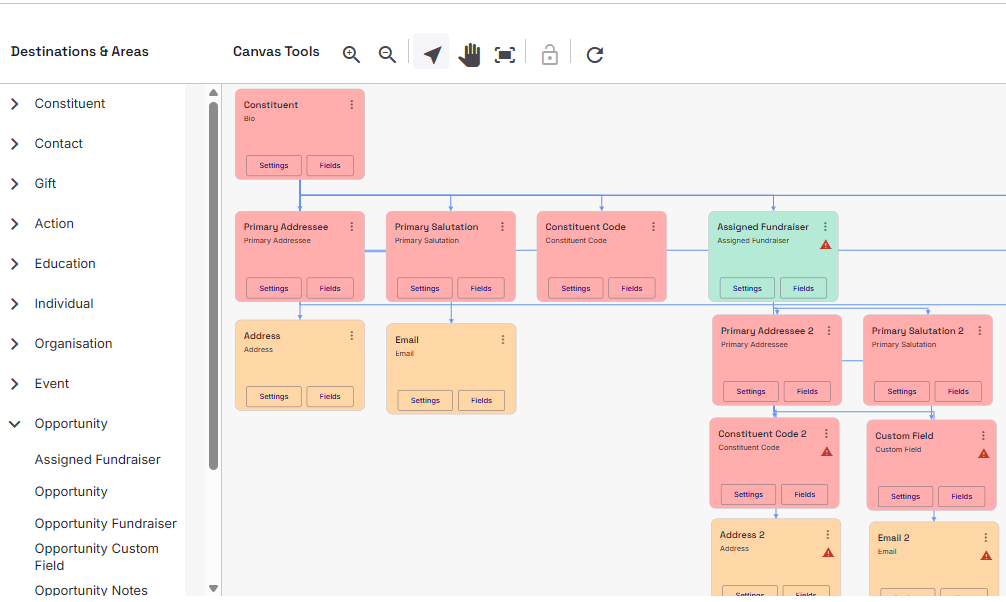
We have also included the ability to be able to Import an ‘Assigned Fundraiser’. This is a Fundraiser that is assigned to the Constituent you have attached them to. The Assigned Fundraiser should be treated like any other Constituent, so you can attached Primary Addressees and Salutations, Constituent Codes, Constituent Custom Fields, Addresses, emails, etc.
Assigned Fundraiser Area Settings
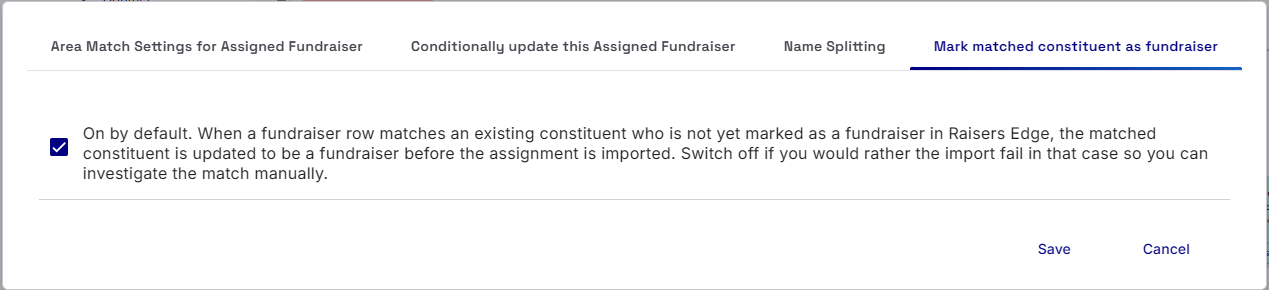
The Assigned Fundraiser Area Mapping include the usual Constituent Area Settings as well as a specialised Area Settings to consider: Mark matched constituent as fundraiser. On by default, when a fundraiser row matches an existing constituent who is not yet marked as a fundraiser in Raisers Edge, the matched constituent is updated to be a fundraiser before the assignment is imported. Switch off if you would rather the import fail in that case so you can investigate the match manually.
Assigned Fundraiser vs Opportunity Fundraiser
The difference between an Assigned Fundraiser and an Opportunity Fundraiser are subtle. When you attach an Opportunity Fundraiser, it is in association with the Opportunity you are trying to import. The Opportunity Fundraiser will not show up as a Fundraiser within a Constituent’s ‘Assigned Fundraiser’ section. Likewise, an Assigned Fundraiser can not be attached to an Opportunity.
Since Assigned Fundraisers and Opportunity Fundraisers are both Constituent records, you can assign Constituent Record Lookups to them.