

We have endeavoured to make Importacular as user-friendly and intuitive as possible, however, it is also very comprehensive in its approach. This means we have added lots of features and settings designed to making importing easier, quicker and more consistent. We highly recommend that you explore the Area Settings, Field Update Conditions and Field Manipulation on the Areas and Fields you are mapping to, as well as become familiar with Required Fields, Key Fields, and Record Lookups. Where we can we have added these all features and settings to this User Guide as well as in our Knowledge base so that you can understand them better. However, we are aware that everybody’s Raiser’s Edge and incoming data are different and a solution to every scenario isn’t always apparent.
If you have explored the User Guide, the Knowledge Base and given an attempt at a solution to no avail, we also offer email support. From within Importacular, you can submit a support ticket. This can be found on the top righthand side of the tool.
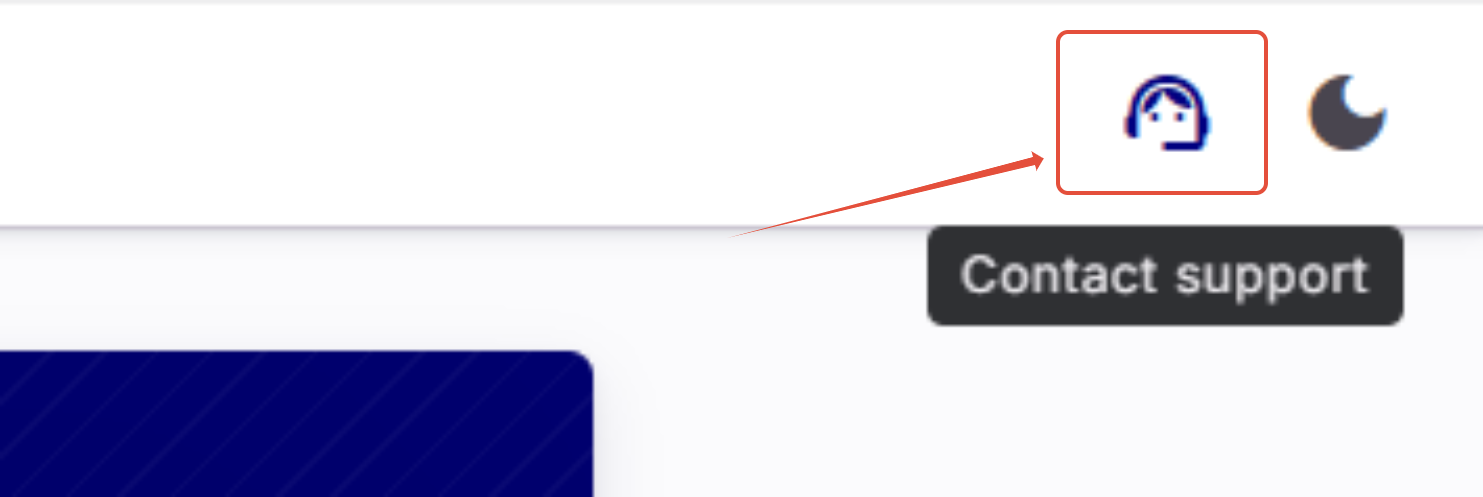
When filling in the Support ticket, we encourage you to give us as much information about the nature issue you have encountered including any screenshots (using the Print Screen/prt sc key on your keyboard) or video recordings you can capture. This will speed up the resolution of your ticket.
Please avoid submitting support tickets with little information or vague statements. This will only slow down the resolution of your ticket.
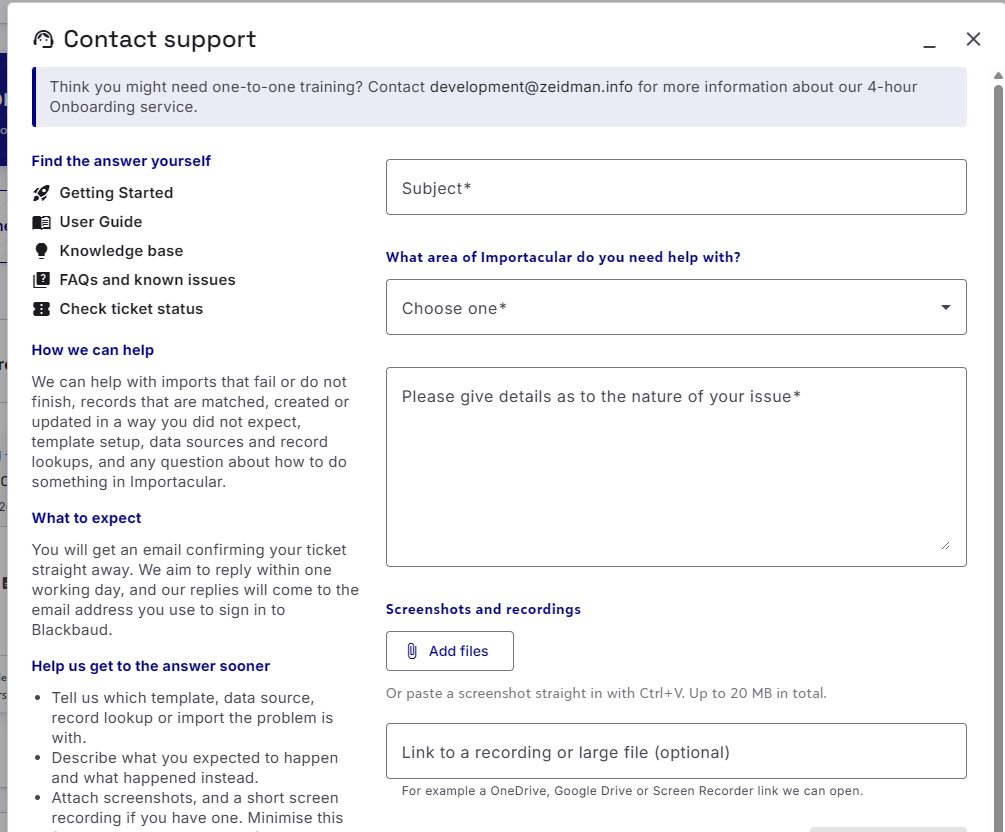
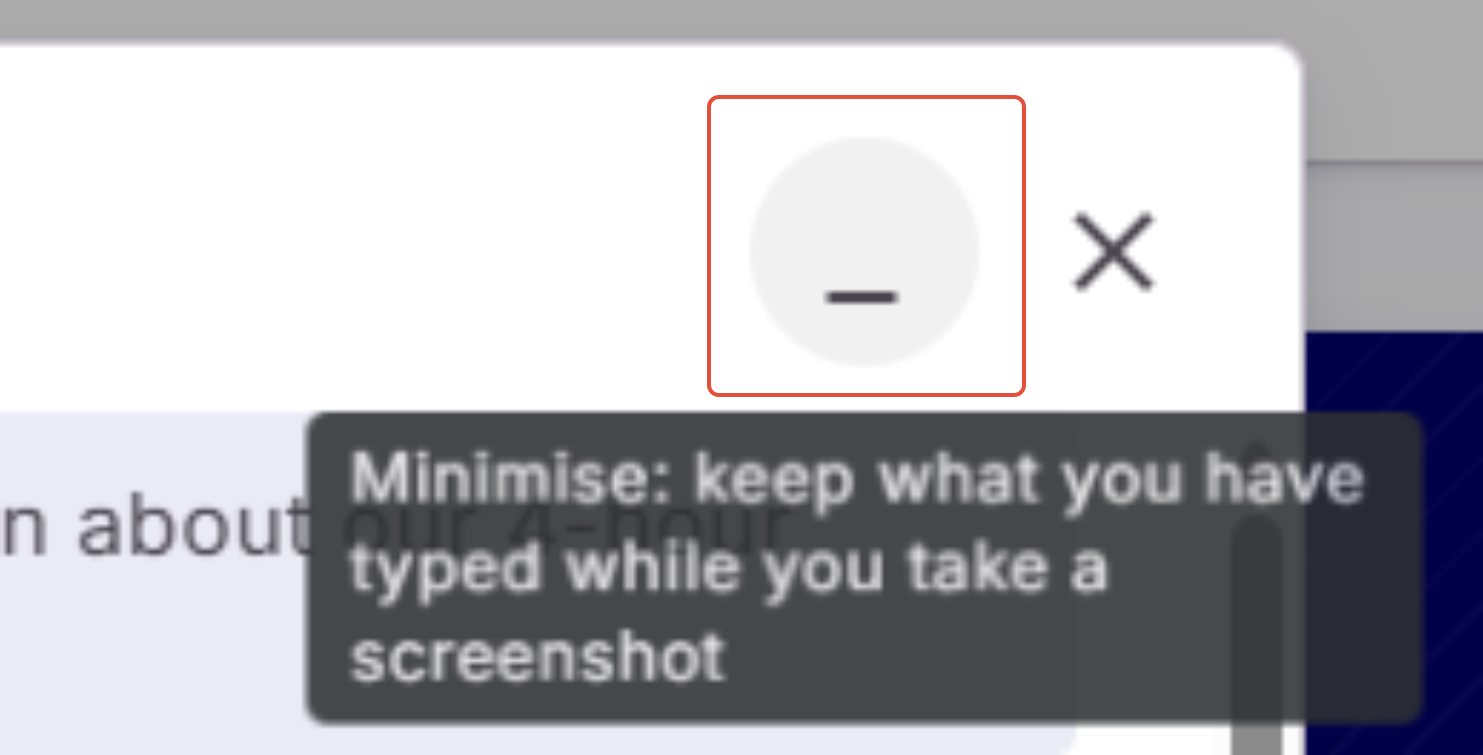
Screenshots can be pasted (ctrl + V) straight into the ‘Please give details…’ box. If you start your support ticket before capturing screenshots or videos, you can minimise the support centre to get the information that you need.
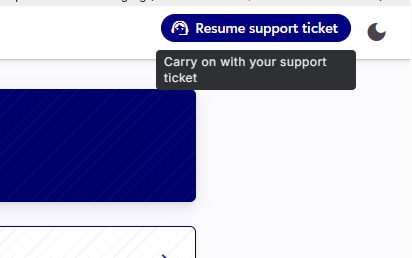
To return to your partially completed support ticket, head back to the the top righthand side of the screen. The support centre icon has changed to ‘Resume support ticket’
Phone or Video Calls
In the first instance, we ask that all support-based queries be submitted by email/a support ticket. Importacular is a comprehensive tool with lots of fields, areas, setting and features, so it can take a little time for the support team to familiarise themselves with your data, templates and imports. They may also want to run some tests, ask a developer to take a closer look, or come up with some solutions that may be suitable. All this takes time and trying to do all of this whilst being on a video call does not speed up, nor guarantees a resolution. In fact, experience has shown that it slows down the support desk.
We will always endeavour to give you the right information and be open about the nature of the problem. We understand just how important importing can be, so if the solution to your query is not forthcoming, then we will always try and present some suitable workaround to get you back to importing as quickly as possible.
If we determine that the best course of action is to schedule a video call, we will reach out to do that. All calls are at the discretion of the Support Teams.
Training
Our Support desk is design to assist users in overcoming an issue they have encountered, after they have attempted to find a solution first. It is not designed to act a a training platform. If you think you would benefit from one-to-one training, we do offer an Onboarding service. Here we offer two, 2-hour (4 hours total) video call sessions with a member of the Zeidman Development team, that will be tailored to your needs. This is a paid-for service that isn’t covered by your Importacular subscription (apart from those on the Enterprise tier).
For more information, please contact development@zeidman.info