

Blackbaud have introduced ‘Participant Options’ to Events. These are similar to Custom Fields, but are unique to the Event (though they can be copied and applied to other event. Participants Options are limited to Yes/No values, selecting a value from a List, selecting multiple values from a list, or a simple text value.
If you wish use Importacular NXT to add Participant Options to Participant Records, the Event and the Participant Options need exist within Webview prior to your import.
When are importing to a singular event
If, from within the ‘Event’ Area Mapping, you have chosen to search for an existing Event

and use that as the default Event that all your records from your Data Source are going to be added to as Participants, then when you attach one of the Participant Option Areas to a Participant Record on the Canvas,
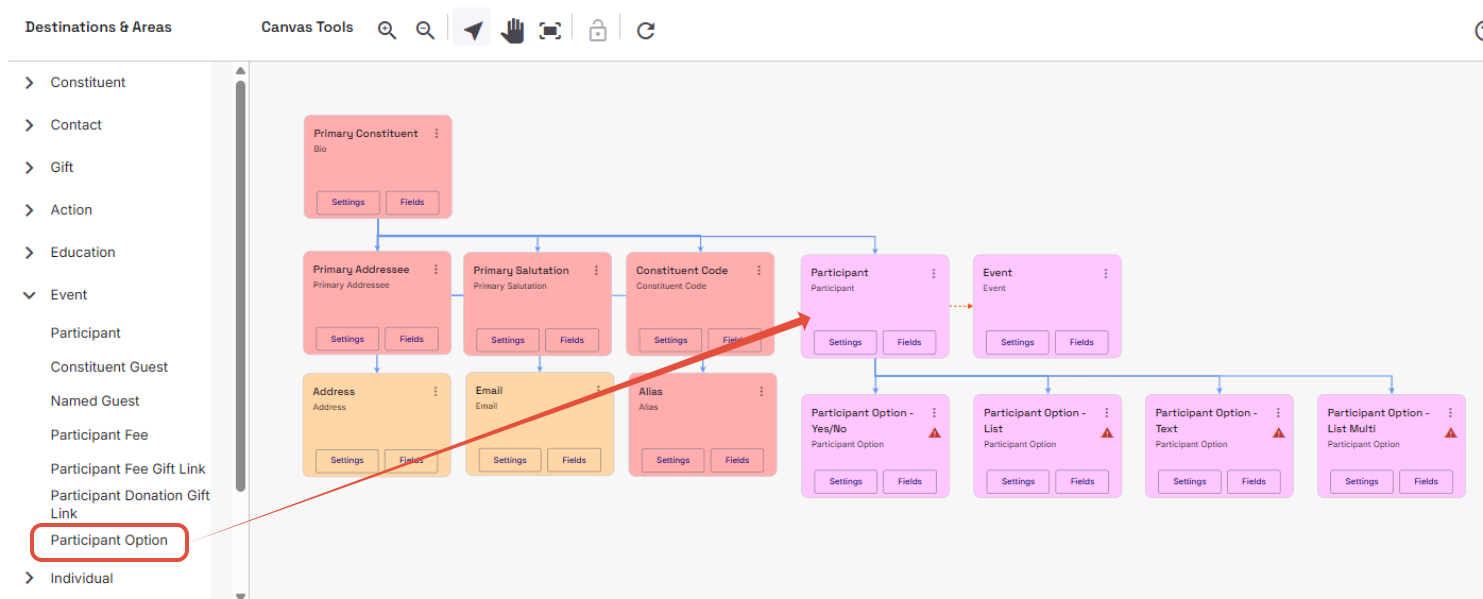
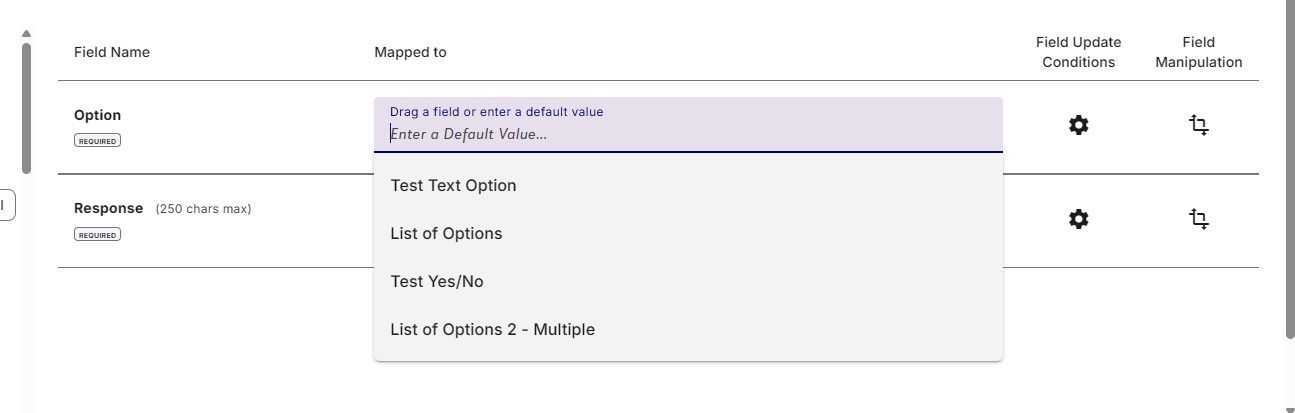
the Participant Options’ Option field within Field Mapping will present you with a dropdown of all the ‘Participant Options’ you have added to the Event in Webview.
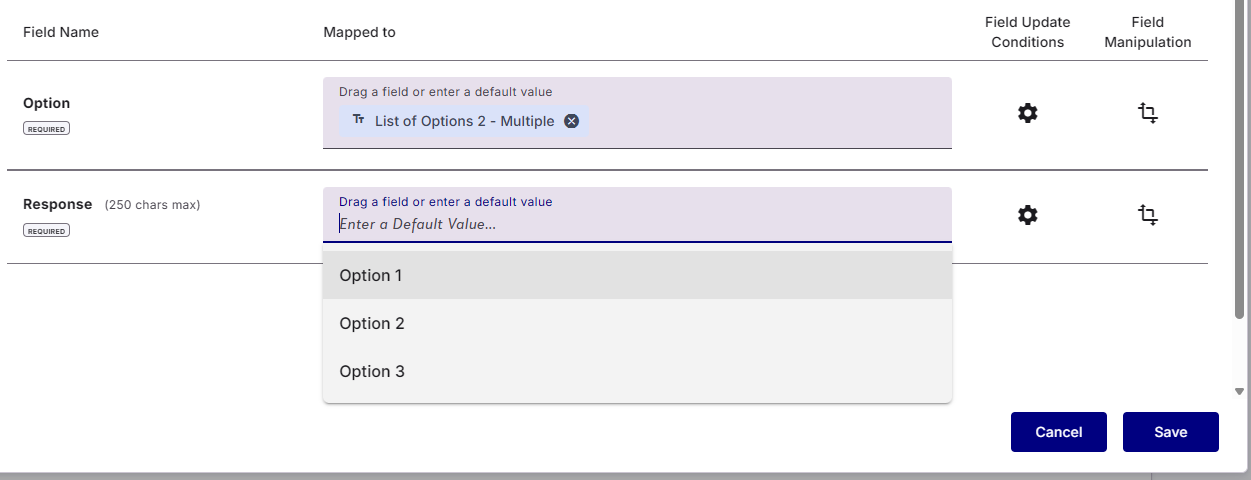
Once you have selected the ‘Option’ you want, the Response field will dynamically allow you to select the associated ‘response’ to that ‘option’. As with most field, you can either user a default values, or apply a field from your Data Source. If your Data Source does not contain a value that the Response field will accept, then you can apply a suitable Data Transformations.
When you are importing to Multiple Events
If, from within the ‘Event’ Area Mapping, you have chosen to map a field from your Data Source, you will be able to add Participants to multiple events within the same import

However, when you add Participant Options to your template, the Option and Response fields will not be able to present Default Values to choose from. Instead, for the Options field you can use a field from your Data Source or type in the the exact name of the Option you wish to apply.
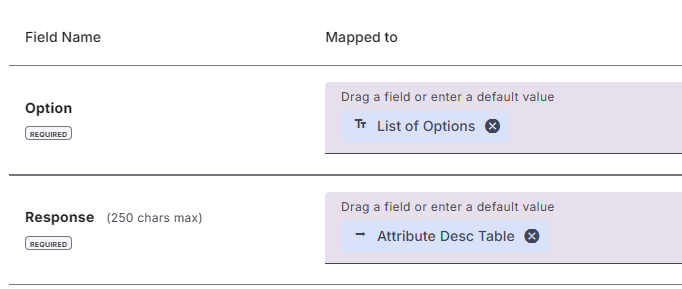
For the Response field, again, you can type in value that exactly match an appropriate value for the Option being applied or use a Data Source field. If your Data Source does not contain a value that the Response field will accept, then you can apply a suitable Data Transformations.
Managing Lists that allow multiple responses
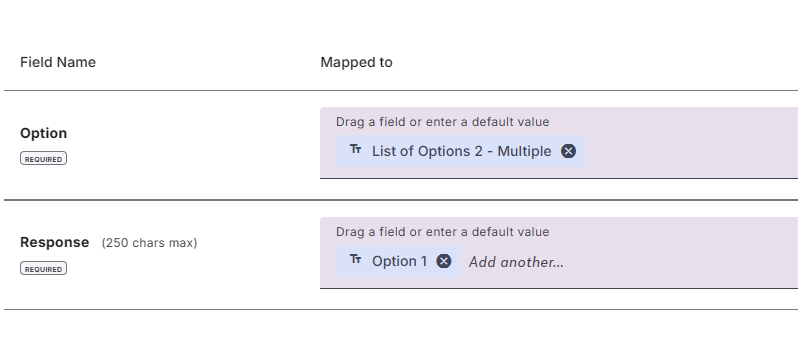
If you have set up your Participant Option to allow for multiple Responses in a list, then in the field mapping you can apply multiple default values
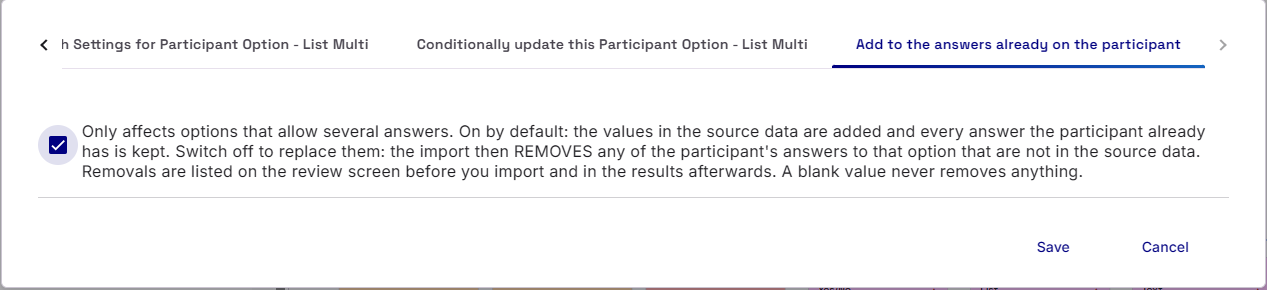
We have also provided an Area Setting on how to manage new values. Should Importacular keep the old Responses and simply add to them (default setting), or should it overwrite the old responses with the new ones, removing any old responses that don’t match (if you uncheck the setting).
Creating new events
If your import is set to create events if they are not already in RE Webview, then we are afraid that you will not be able to also add Participant Options at the same time of the import. This is because Participant Options need to be set-up and applied to the Event prior to your import. Though we can add Participant Options to Participant records, Blackbaud have not made it possible to add Participant Options to the Event record at the same time.