

Once your import has been completed, Import Cards remain in the ‘Recently Completed Processes’ section on the dashboard, as well as an ‘Import History’ section.
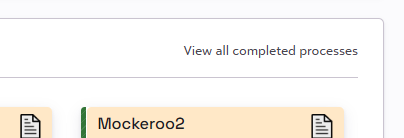
This can be accessed either from the right-hand side of the ‘Recently Completed Processes’ section when you click on ‘view all completed processes’
Or, you can also access it from the left-hand side bar icon.
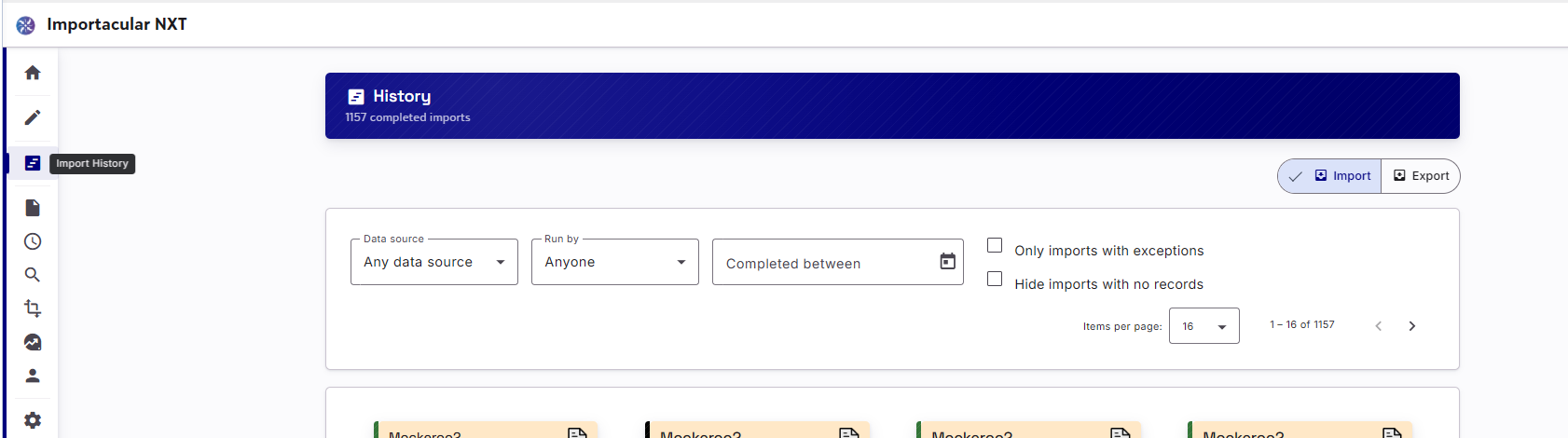
Import History includes a history of all completed Imports and Exports. To help you find specific completed processes, we offer a number of filter options including filtering by Data Source, who ran it, a date range and limiters to only show processes with exceptions or hide processes with no records processed.