
Within the Template Builder, under a field’s ‘Field Manipulation’, you can create, select, or edit an Organisation Transformation or select a Global Transformation.
Organisation Transformations are transformations unique to your organisation and can be used across all your templates.
Global Transformations are Transformation provided by Zeidman Development that are available to everyone. Global Transformations can not be edited.
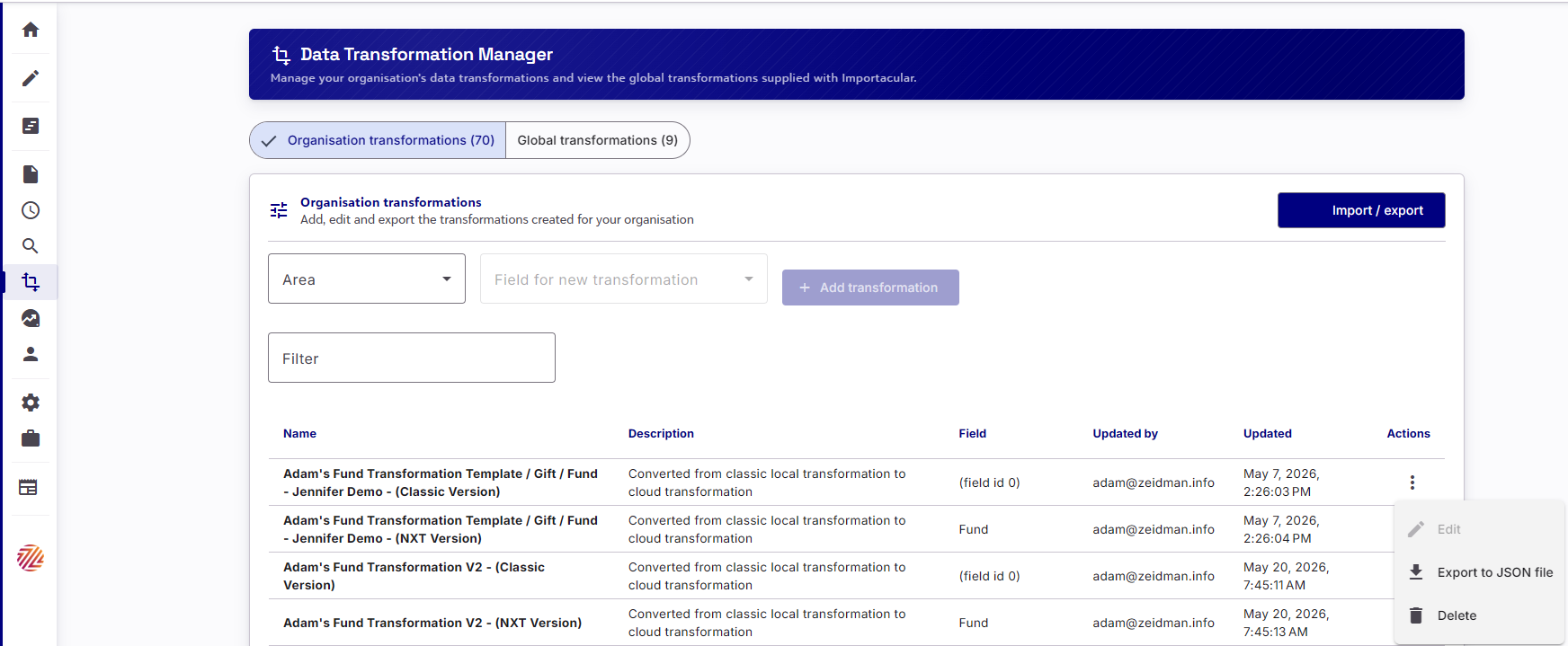
Over a period of time, your Organisational Transformation might build up and you might wish to clean them up. To aid you in this, we have provided you with the Data Transformation Manager. Here you can create, edit or delete Transformations.
If you have Organisation Transformation that can only be used on Importacular Classic, those transformations can not be edited.
Import/Export
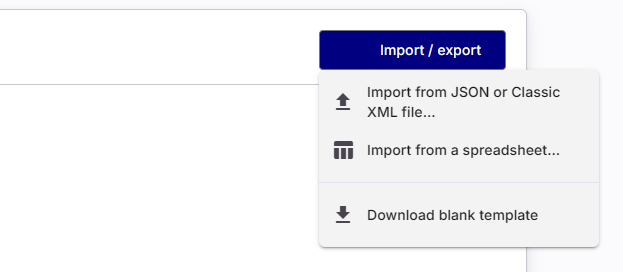
As well as building up your Data Transformations one transformation at a time, you can also import in transformations in bulk. There are two ways to do this:
- The easiest way to do this is to import a pre-populated spreadsheet (CSV or Excel). You can download a blank template to work from or have a spreadsheet with at least two columns. One called ‘Source Value‘ and another called ‘Target Value‘. Source Value should be populated with the value from the incoming source. These should match exactly to what is coming from the data source. Target Value should be populated with the value you want the incoming data to be changed to. These values should be values that your RE will accept.
- The other way is to import an existing Data Transformation. This can be a JSON file from another Importacular NXT or an XML file from an Importacular Classic template.
Please note: Importacular Classic has a tool in it that will convert Local Transformations to Organisation Transformation, that should be used prior to converting Classic Templates to Importacular NXT Templates. See the this User Guide: https://www.zeidman.info/docs/importacular-nxt-user-guide/mapping/classic-template-converter/